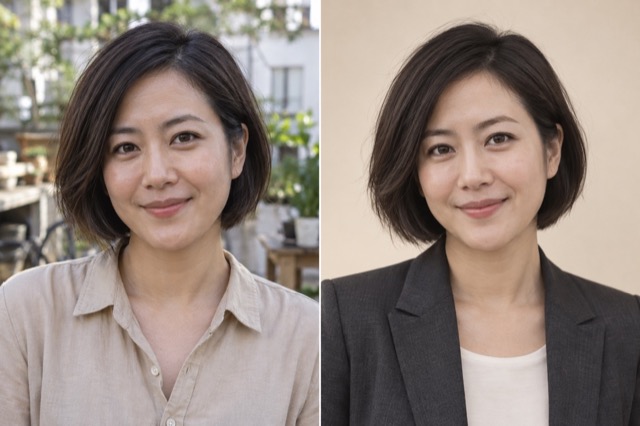
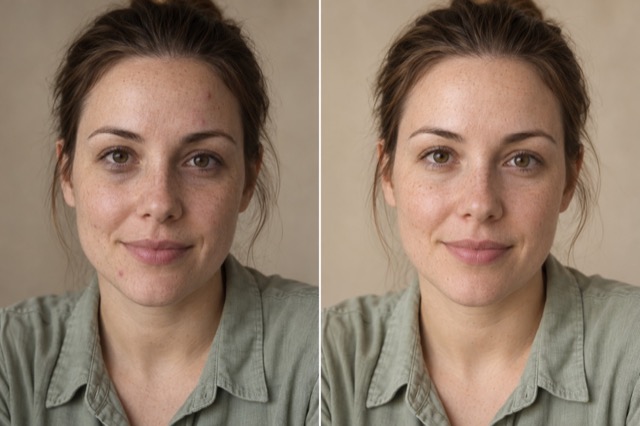
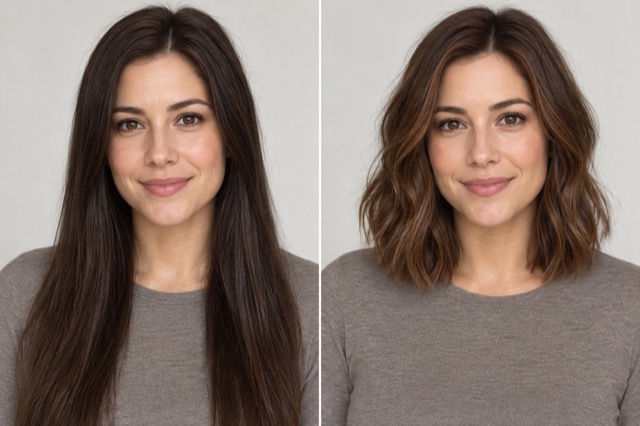
Cartoon avatar
Keep recognizable facial features in an illustrated portrait.
Add 1 reference image(s) before generating.
JPG, PNG or WebP · up to 4 images · 8 MB each
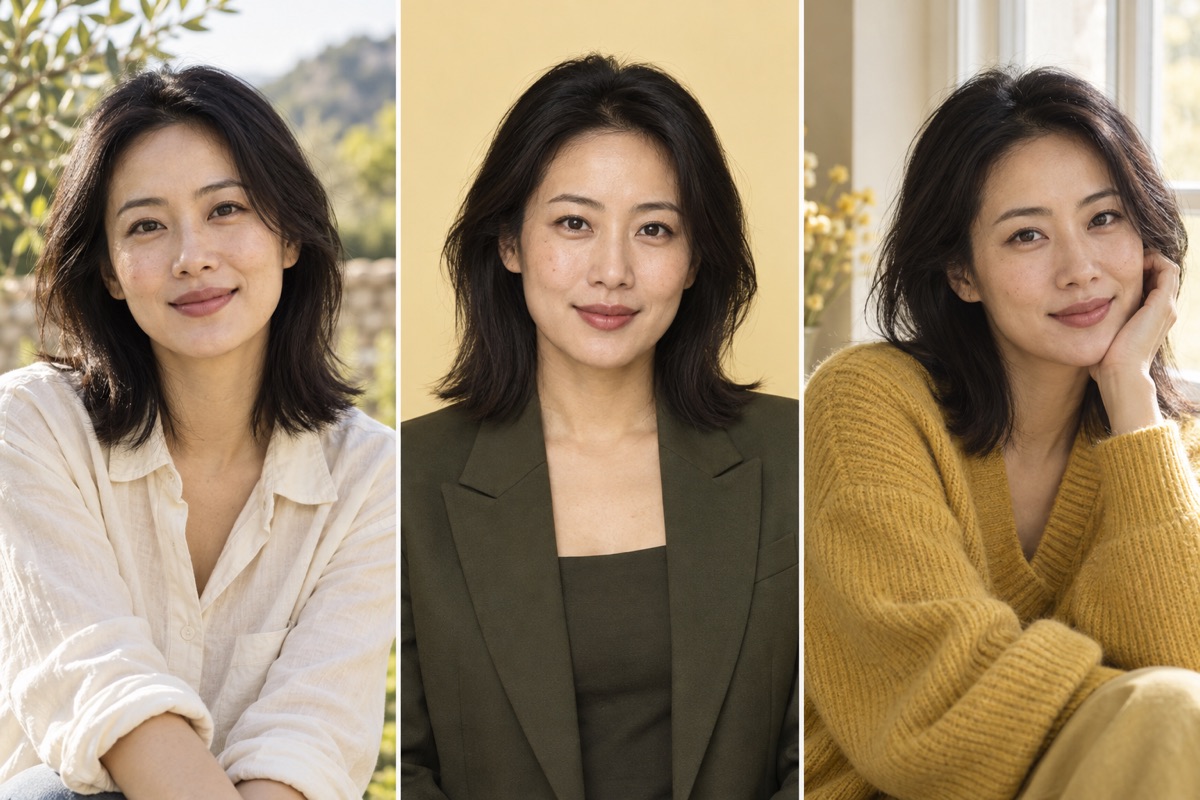
Give the same portrait a different use
A clear source portrait helps when exploring professional headshots, clothing or styling. Specify which facial features, expression and pose should stay the same.
Cartoon avatar:How to get a useful result
Before you generate
Upload a clear original with the subject fully visible. JPG, PNG and WebP are supported, up to 8 MB per image and four reference images per task.
What to check in the result
Name the features that make the face recognizable. Keep the background simple if the avatar will be shown at a small size.
A starting instruction you can edit
Turn the uploaded portrait into a warm, polished 3D cartoon avatar. Preserve recognizable hair, glasses, face shape and expression. Use soft clay-like materials, a simple pastel background and balanced studio lighting.
Back to the editorUsing this tool
What should I upload?
Upload a clear original with the subject fully visible. JPG, PNG and WebP are supported, up to 8 MB per image and four reference images per task.
What should I check before using the image?
Name the features that make the face recognizable. Keep the background simple if the avatar will be shown at a small size. This tool generates a new image from your instructions. Review faces, labels, lettering and geometry at full size. For another attempt, change one requirement at a time.