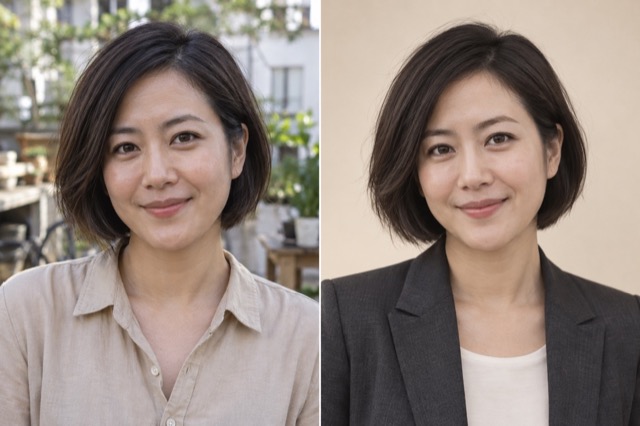
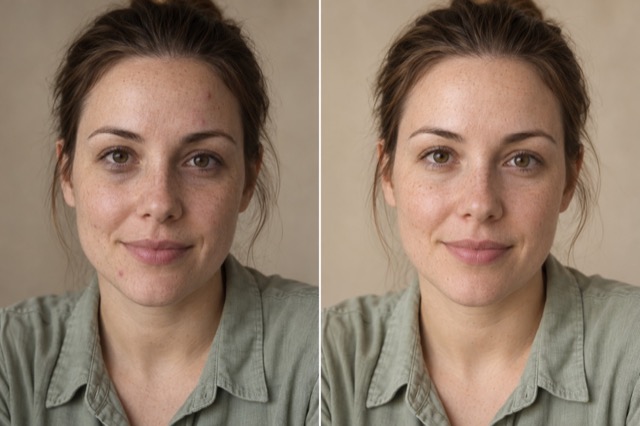
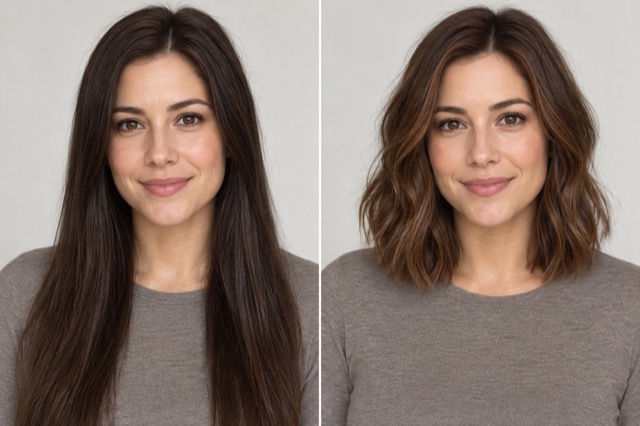
Try a different outfit
Describe new clothing; optionally add a garment reference.
Add 1 reference image(s) before generating.
JPG, PNG or WebP · up to 4 images · 8 MB each
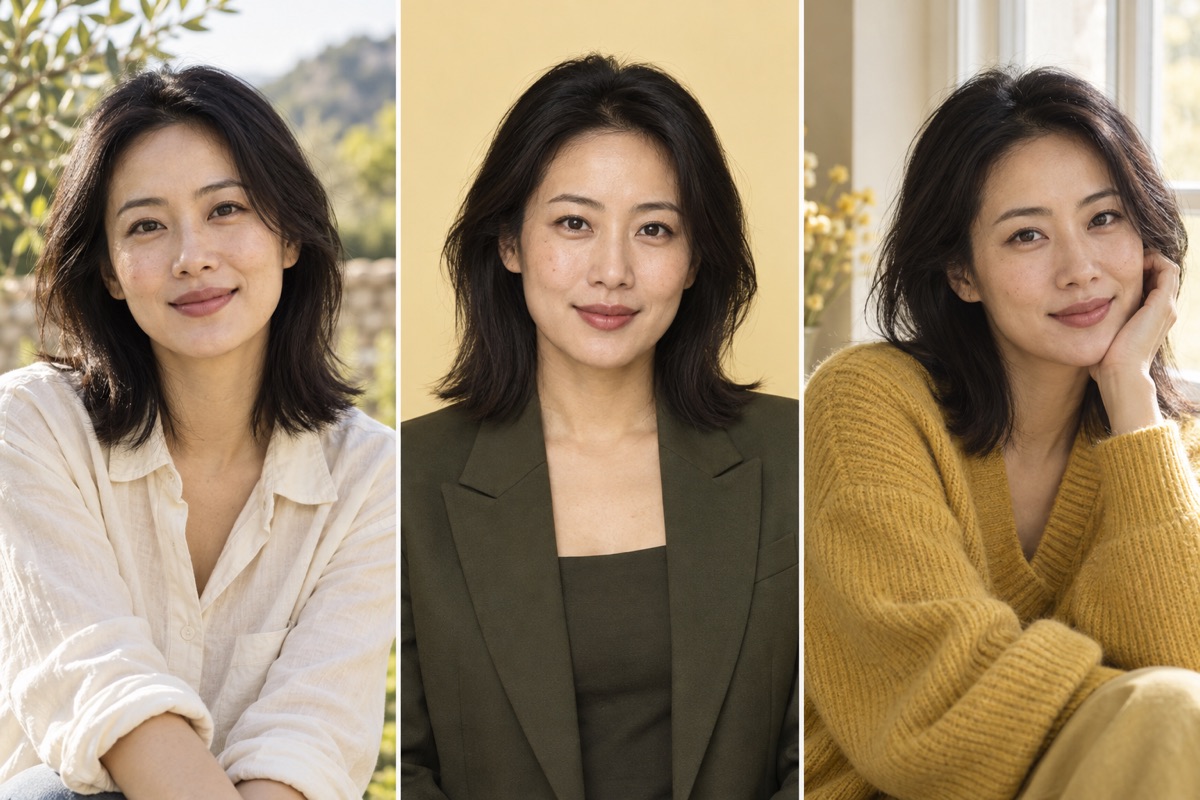
Give the same portrait a different use
A clear source portrait helps when exploring professional headshots, clothing or styling. Specify which facial features, expression and pose should stay the same.
Try a different outfit:How to get a useful result
Before you generate
Upload a clear original with the subject fully visible. JPG, PNG and WebP are supported, up to 8 MB per image and four reference images per task.
What to check in the result
Keep the torso visible; add a garment reference if useful. The result previews appearance, not sizing or real fabric fit.
A starting instruction you can edit
Change the uploaded person’s outfit to a tailored olive linen jacket over a white shirt. Preserve their face, hairstyle, body proportions, pose and background. Make the fabric drape and shadows natural. If a second garment reference is supplied, use that garment instead.
Back to the editorUsing this tool
What should I upload?
Upload a clear original with the subject fully visible. JPG, PNG and WebP are supported, up to 8 MB per image and four reference images per task.
What should I check before using the image?
Keep the torso visible; add a garment reference if useful. The result previews appearance, not sizing or real fabric fit. This tool generates a new image from your instructions. Review faces, labels, lettering and geometry at full size. For another attempt, change one requirement at a time.