AI Image Generator
Describe an image, or upload a photo and tell us what to change. Start here, or choose a ready-to-edit task below.
PNG, JPG, WebP (max 8 Mo) • Max 4 images
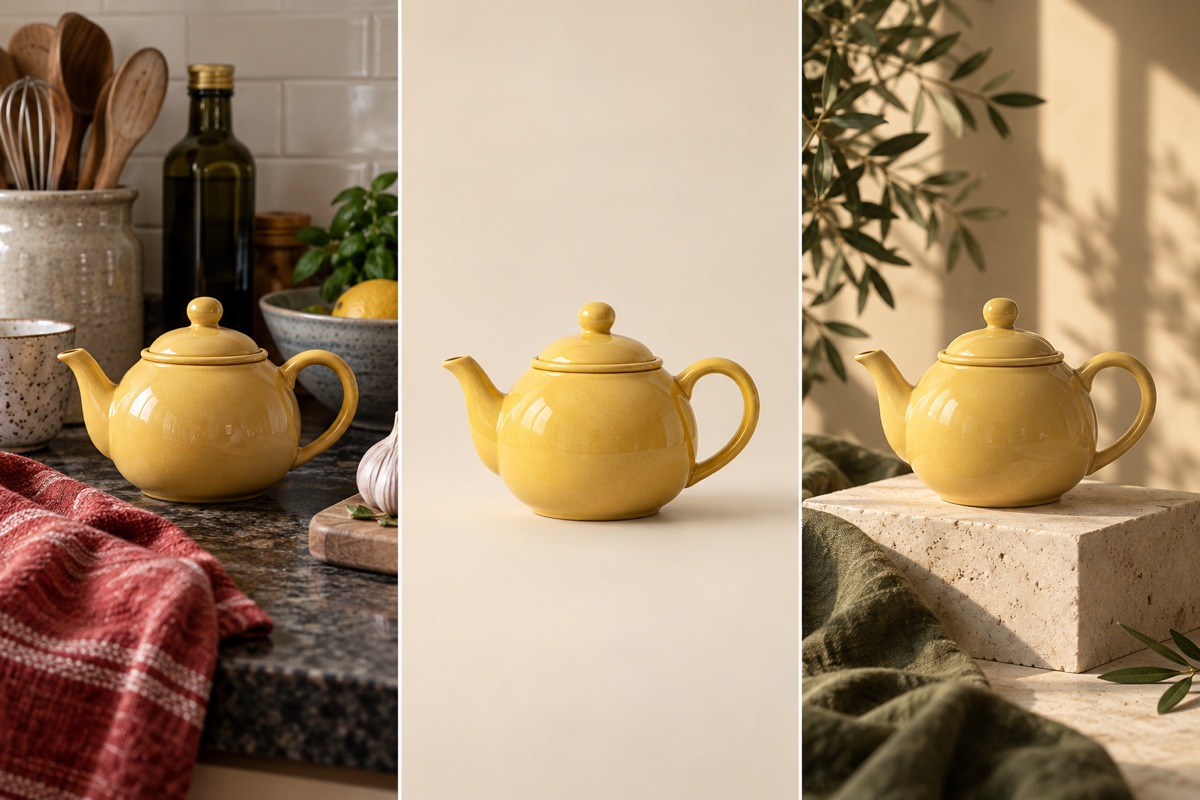
- Choose or describeUse a task preset, or write your own instruction in the editor.
- Add your referencesFor an edit, upload the original. For a new image, start with words.
- Generate and reviewReview the result, download it, or adjust your instruction and try again.
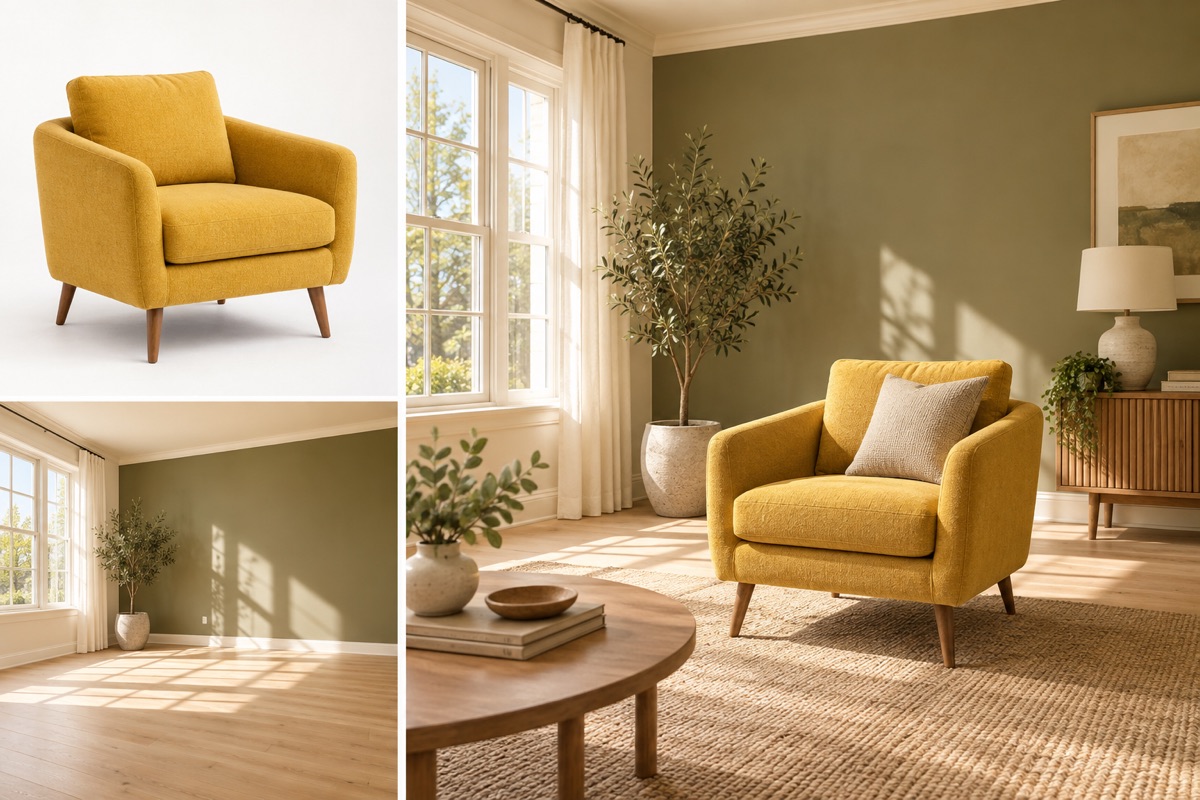
Give each reference a clear role
Use the first image for the subject and the second for the environment. Ask for matching size, perspective and contact shadows so the two references form one coherent scene.
Choose what you want to make
Start with a task. Add your photo when needed, edit the instruction, and generate.
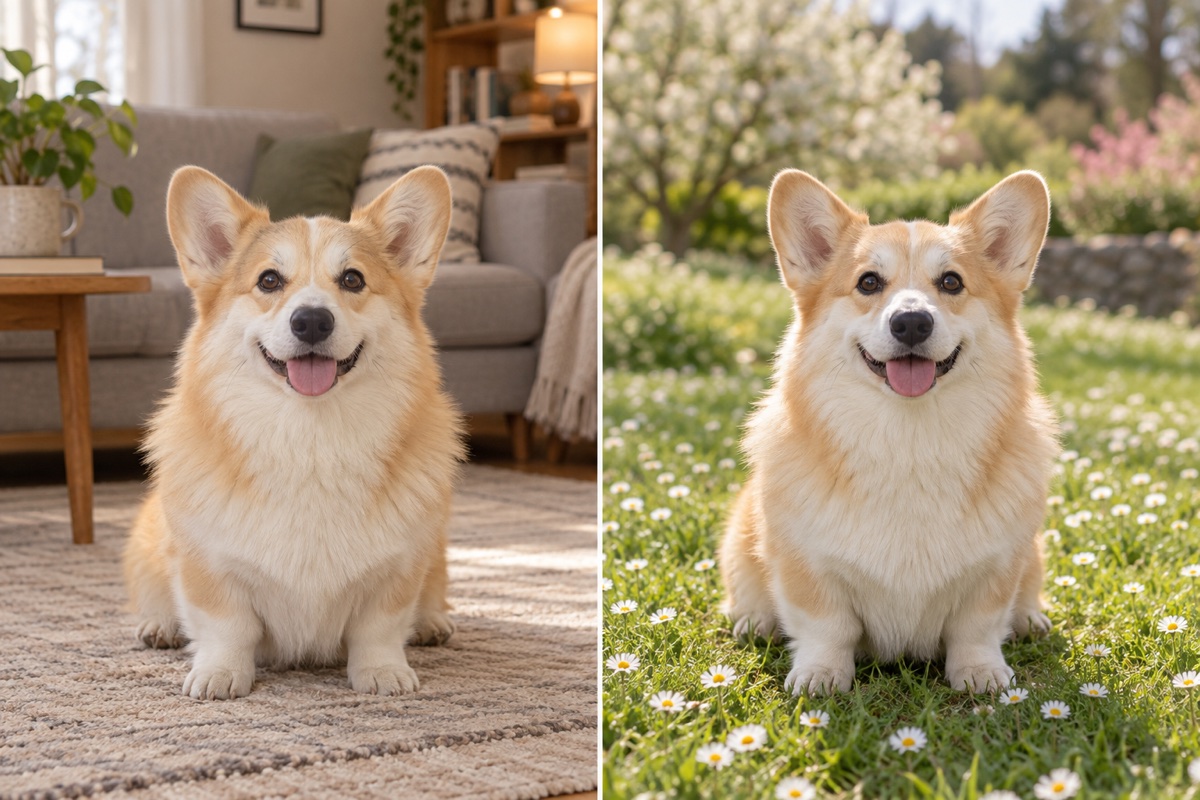
Replace a background
Keep the subject. Describe a new place, color or setting.
Upload 1 photo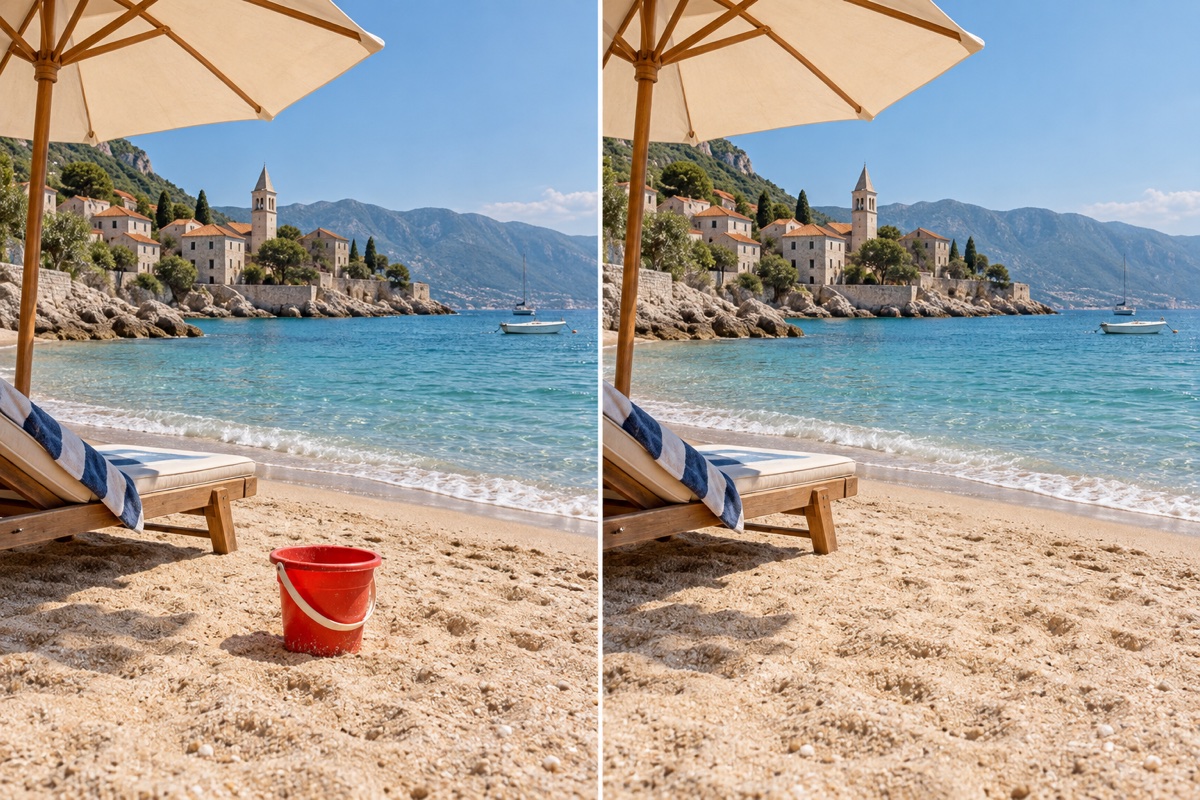
Remove an object
Describe the unwanted object and fill its place naturally.
Upload 1 photo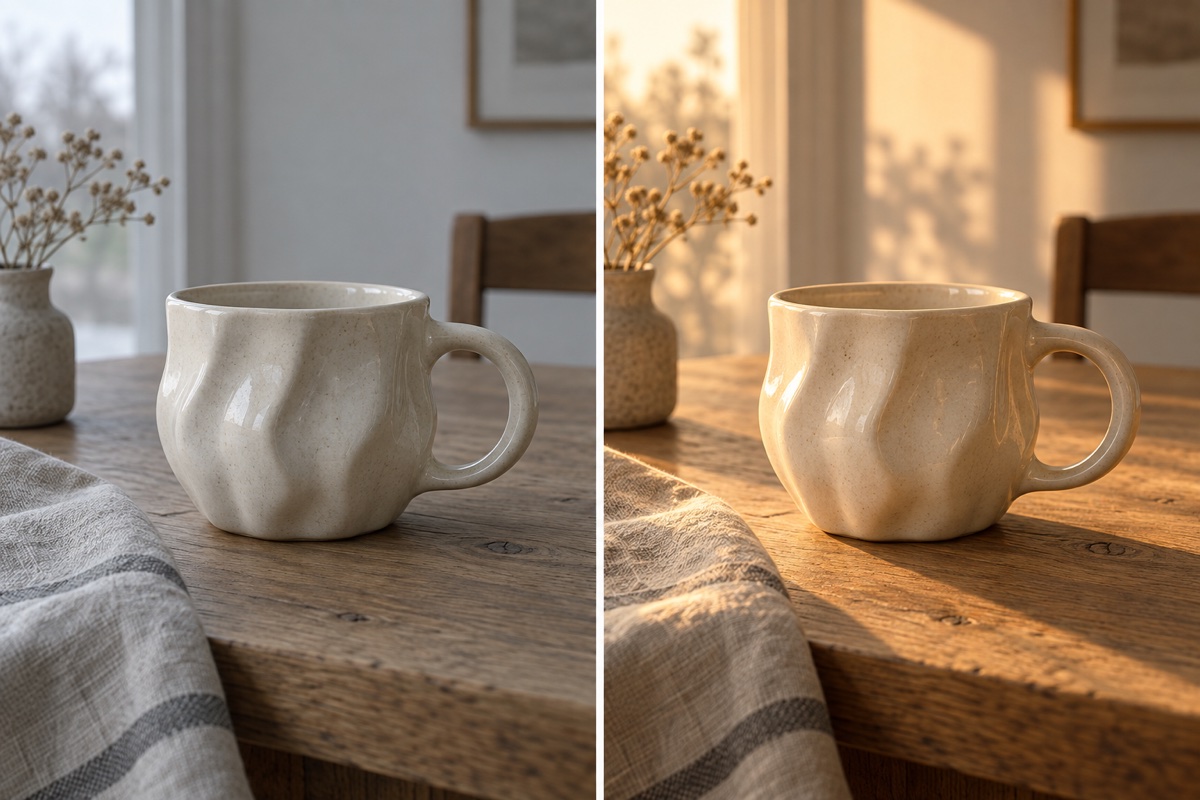
Adjust the lighting
Change the light and atmosphere without changing the subject.
Upload 1 photo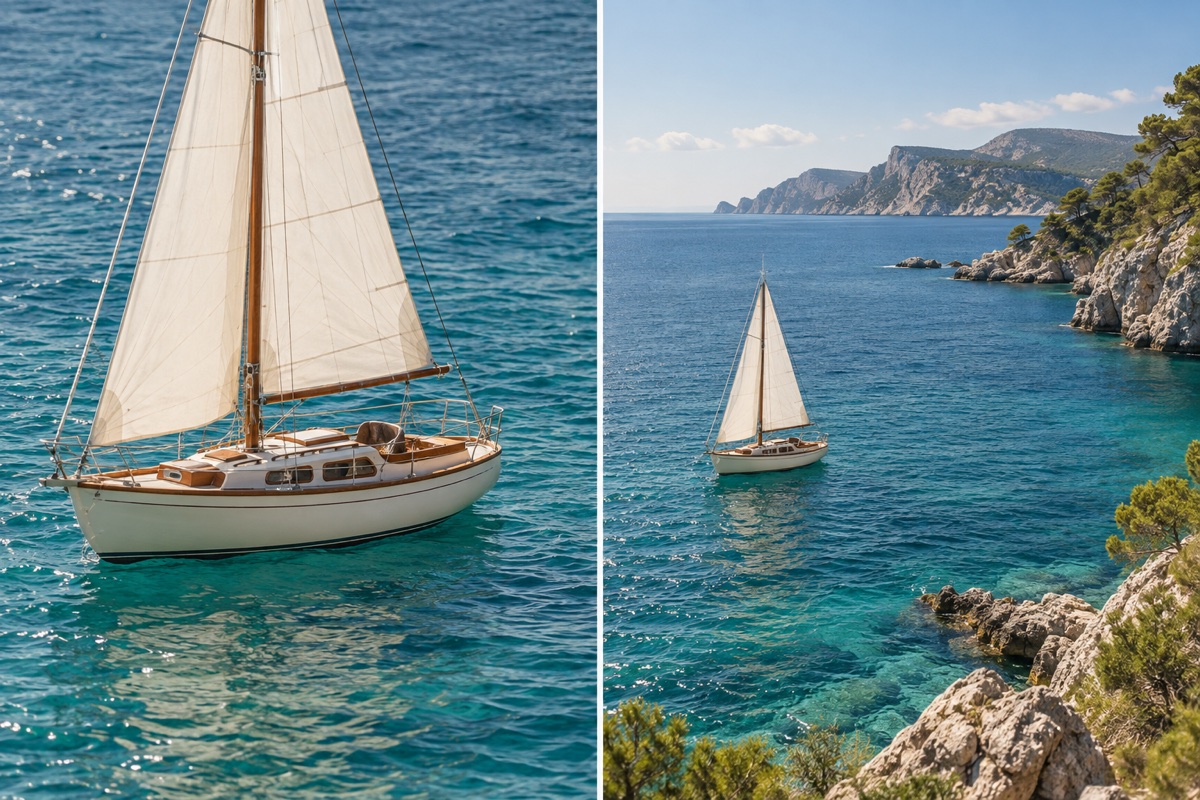
Extend an image
Choose a wider ratio and describe what should appear around it.
Upload 1 photo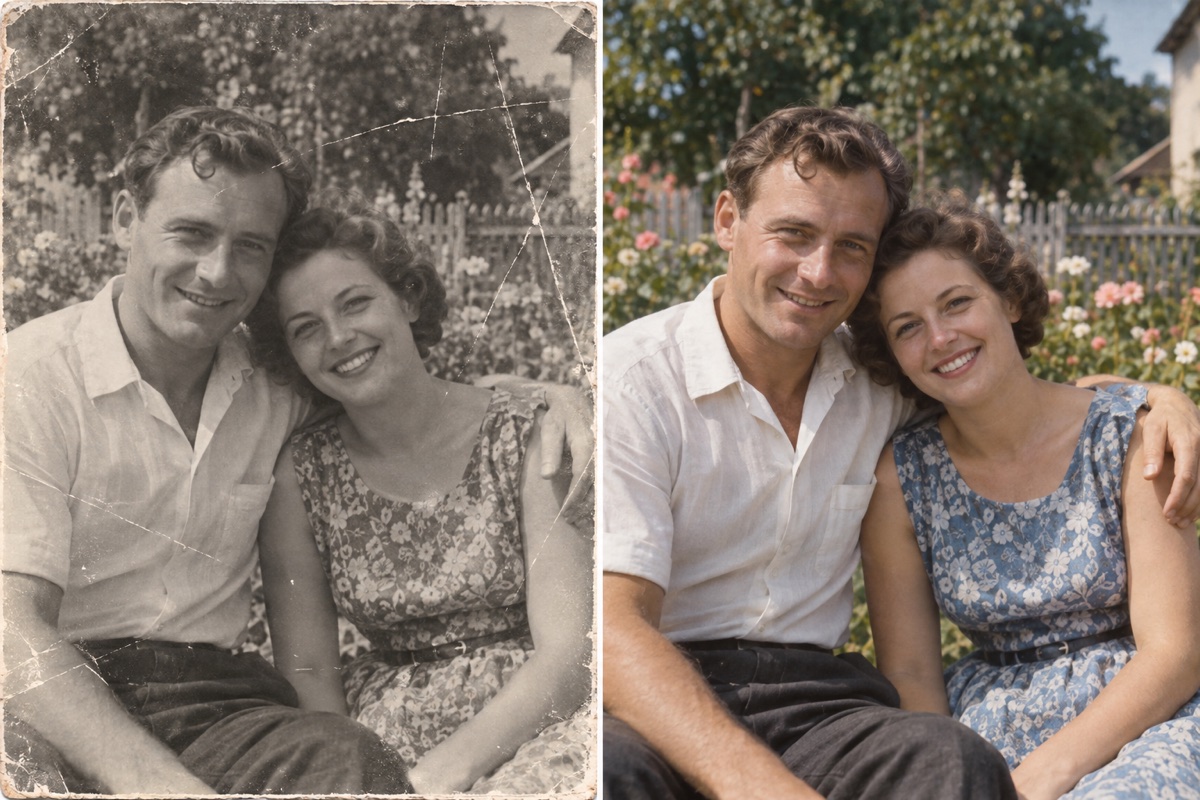
Restore an old photo
Repair damage and fading, with subtle, plausible color.
Upload 1 photo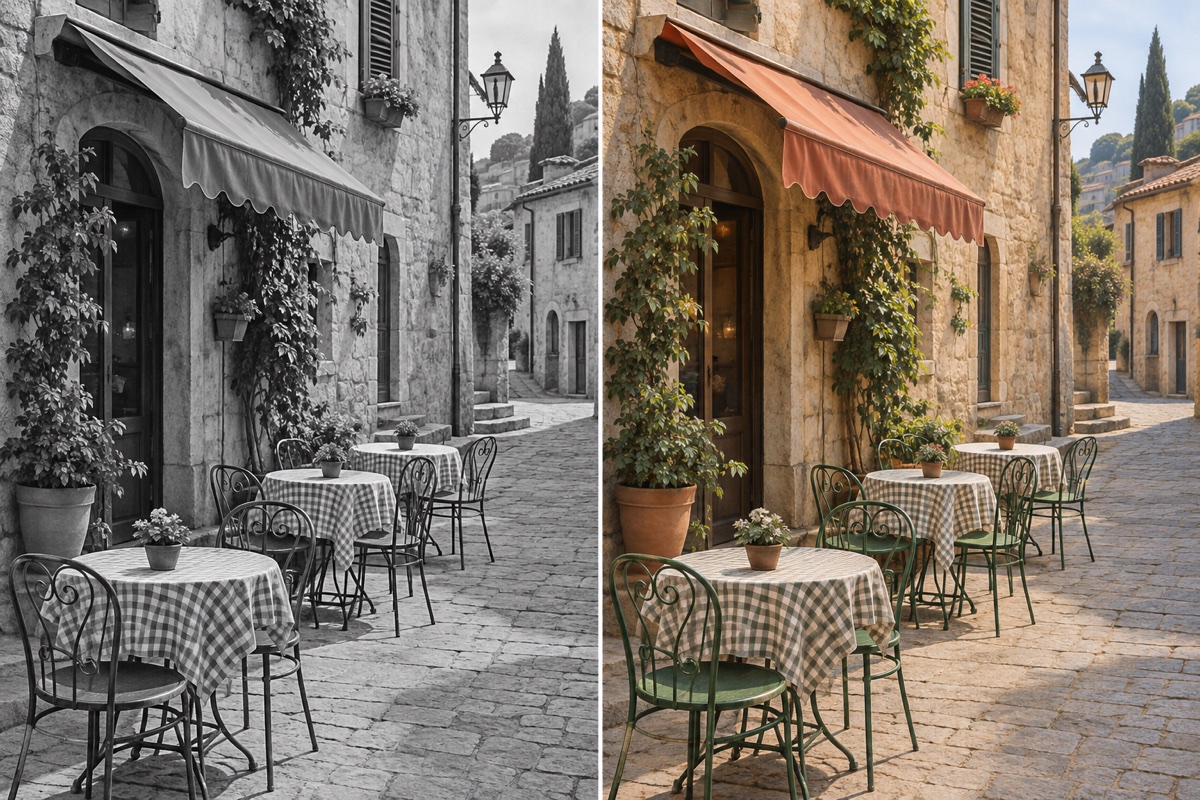
Colorize a photo
Add plausible color to a black-and-white photo.
Upload 1 photo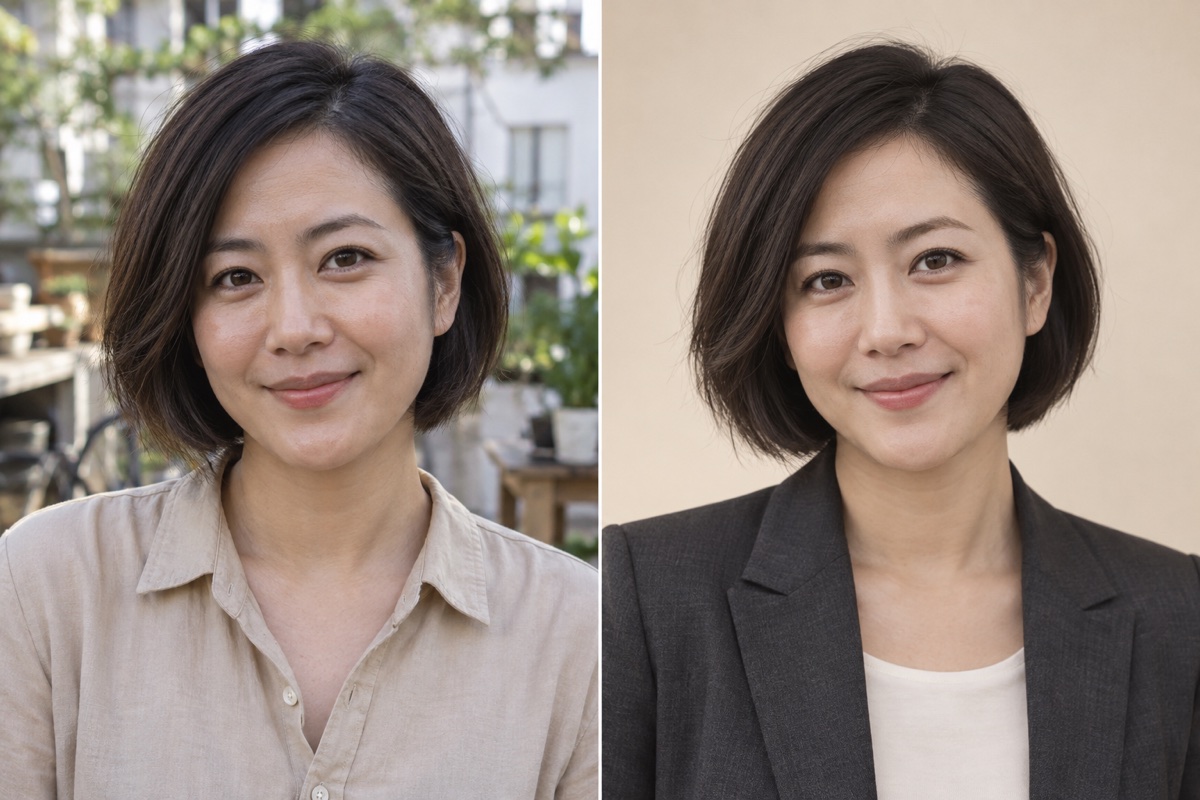
Professional headshot
Turn a clear portrait into a clean studio-style headshot.
Upload 1 photo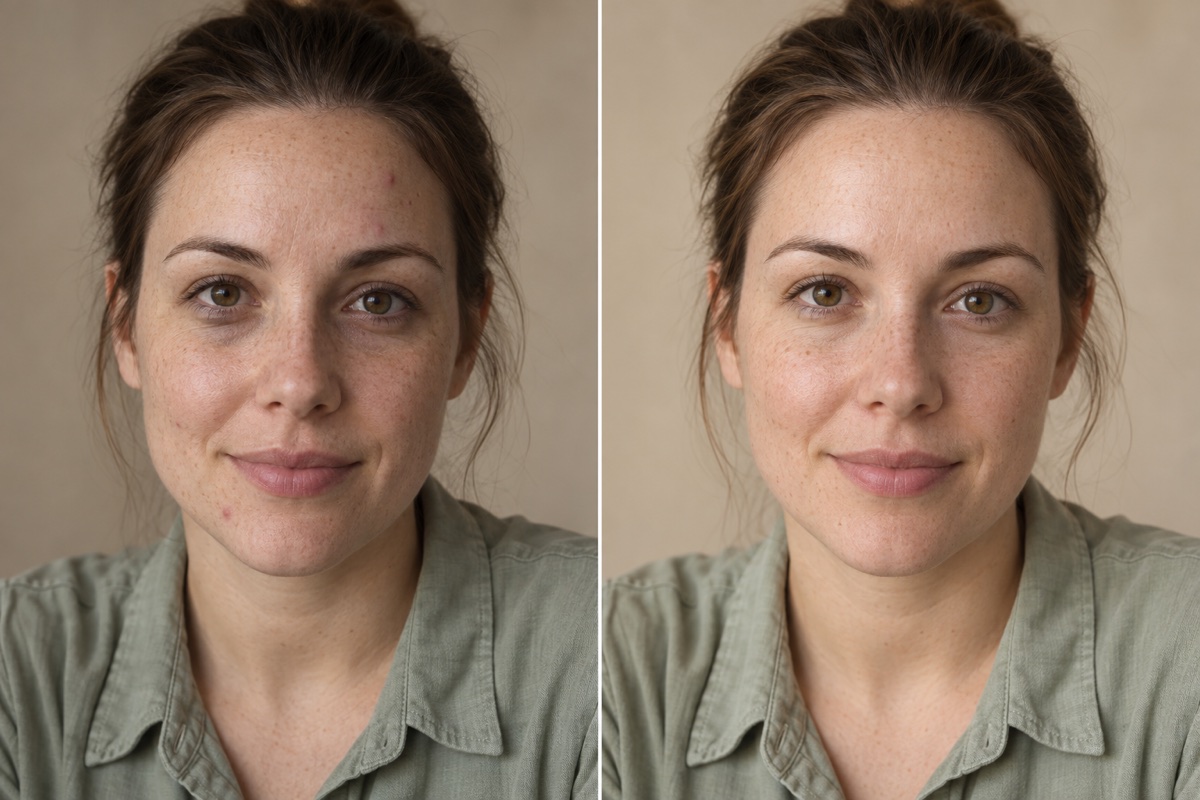
Natural portrait retouch
Soften temporary blemishes and uneven light, keeping skin texture.
Upload 1 photo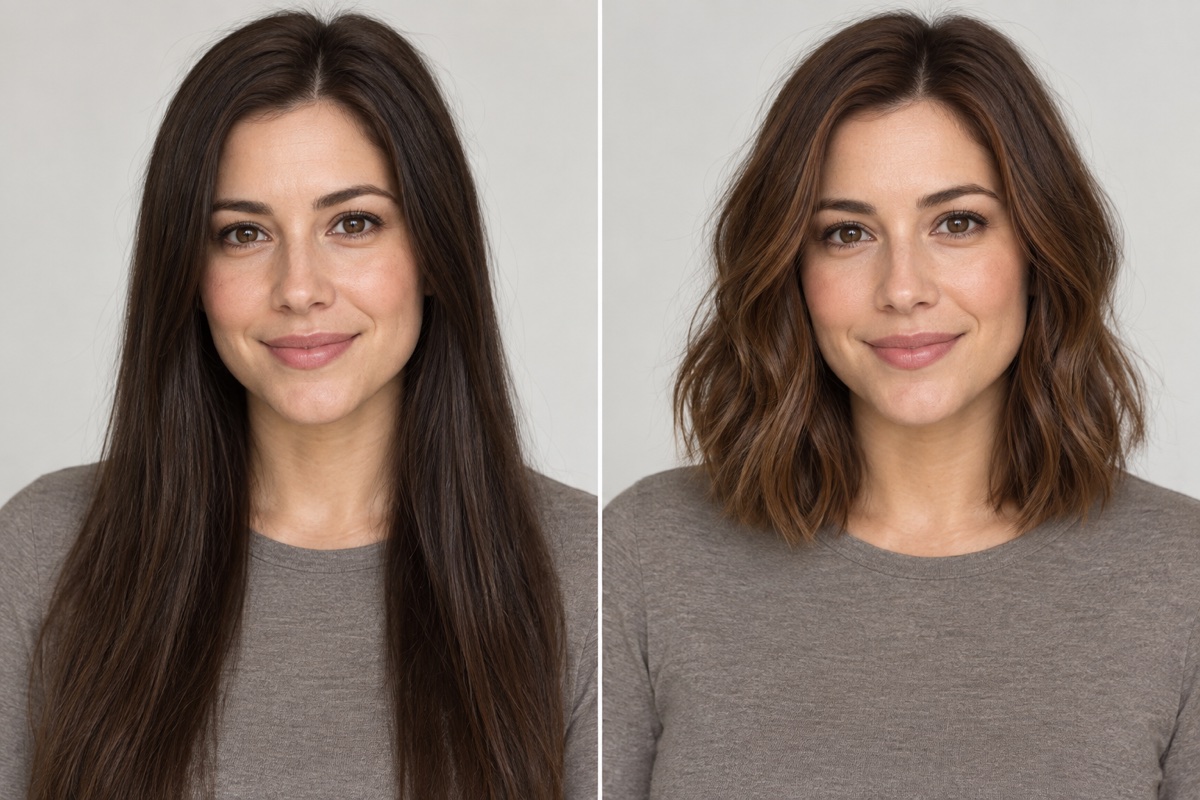
Try a hairstyle
Preview a different cut or color on your own portrait.
Upload 1 photo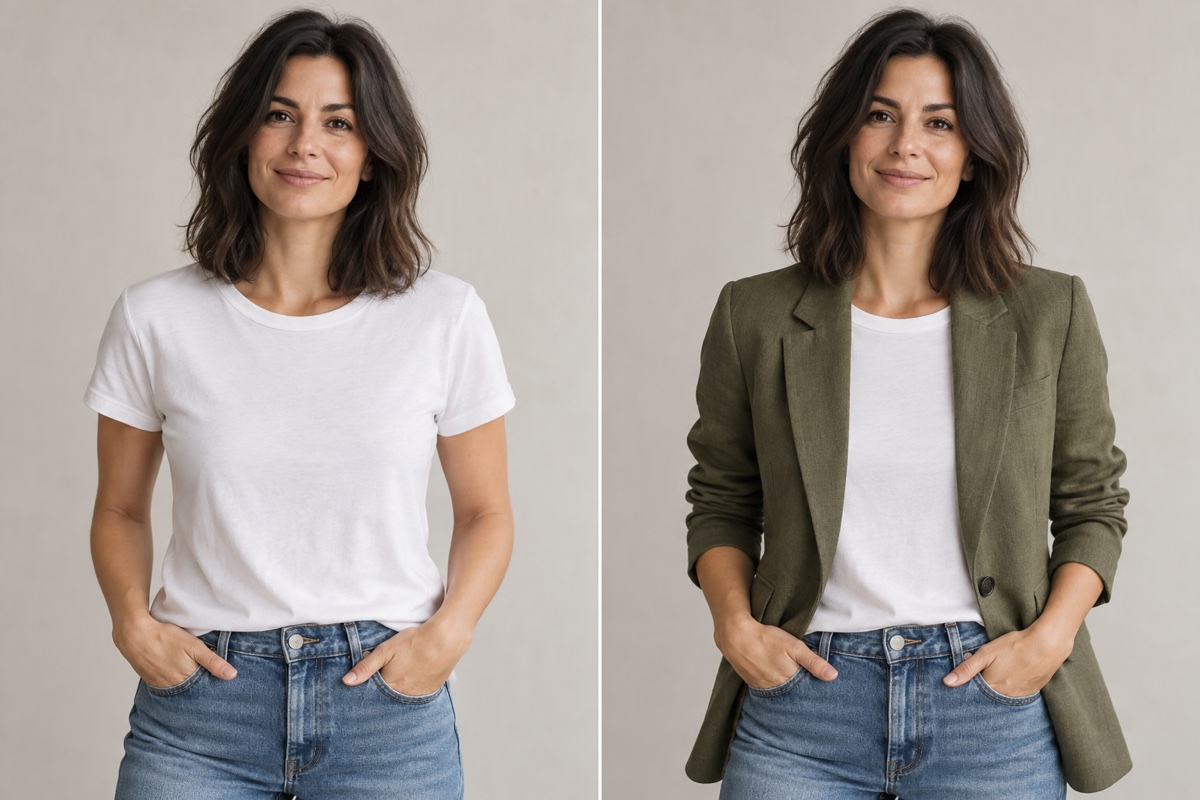
Try a different outfit
Describe new clothing; optionally add a garment reference.
Upload 1 photo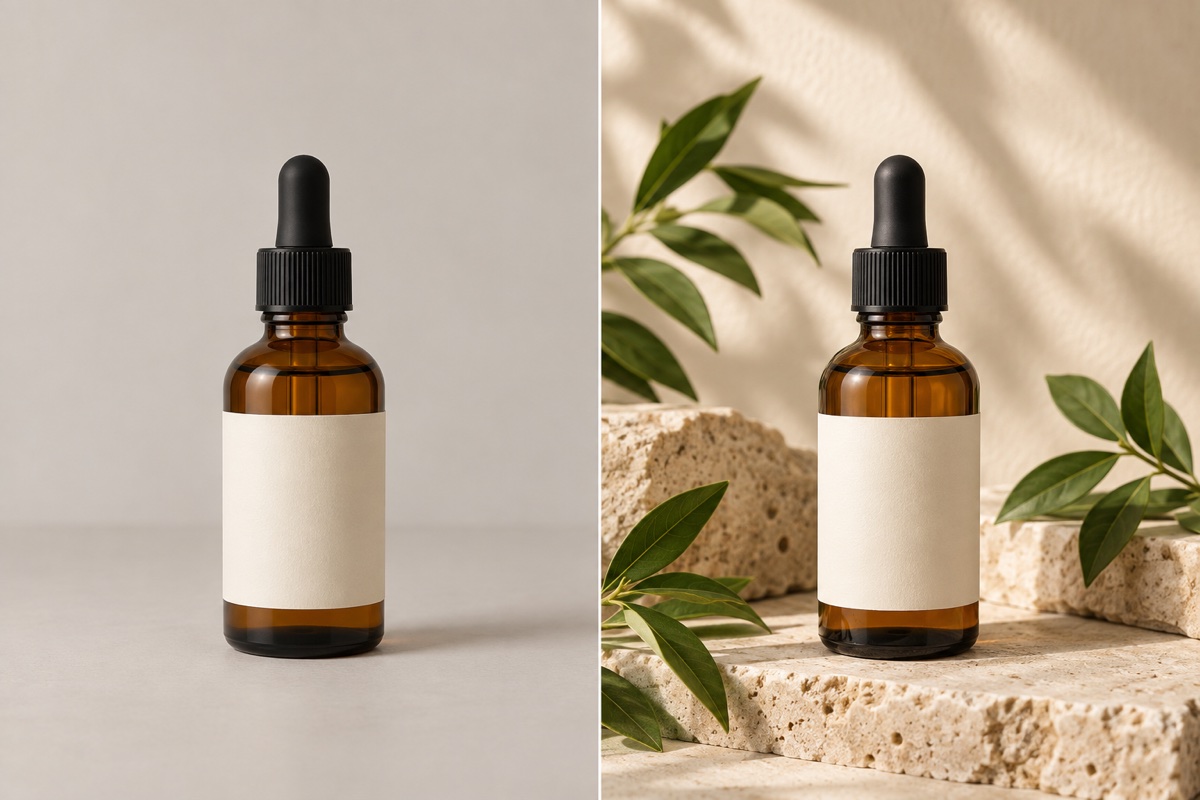
Product scene
Place your product in a styled setting with matching shadows.
Upload 1 photo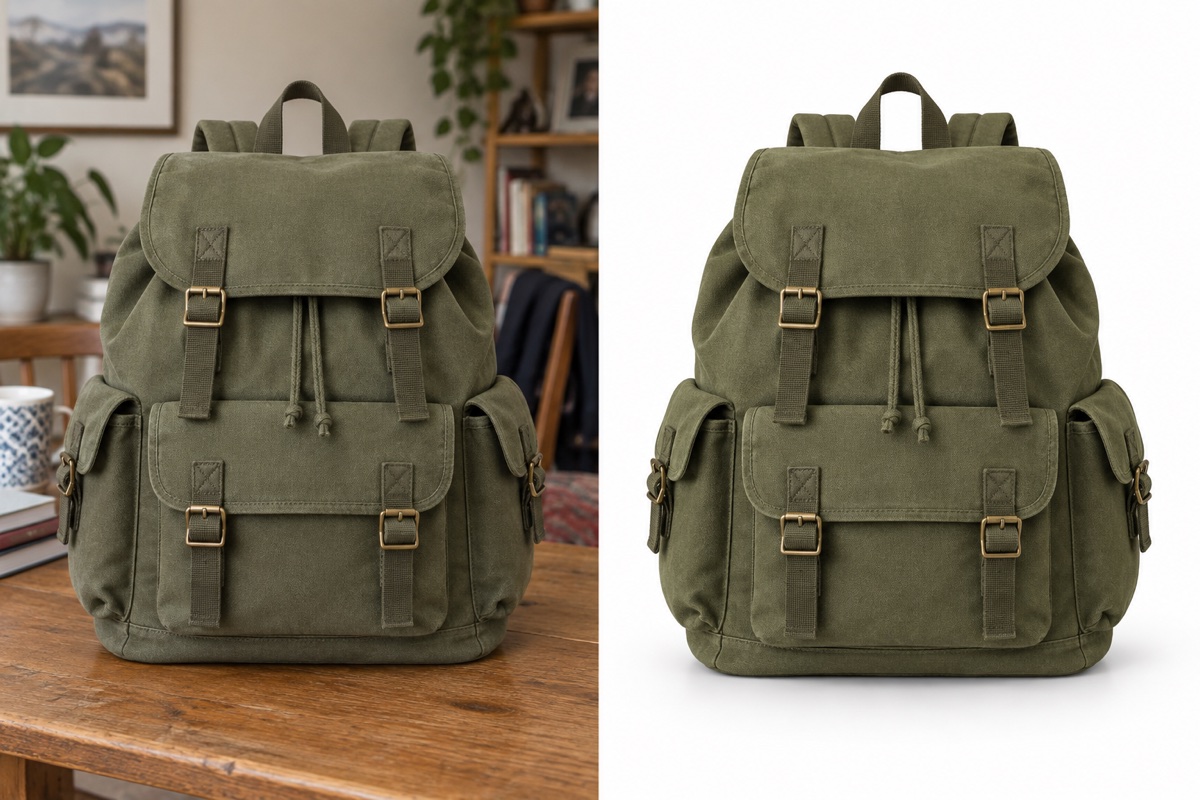
White-background product photo
Create a clean white backdrop and a subtle contact shadow.
Upload 1 photo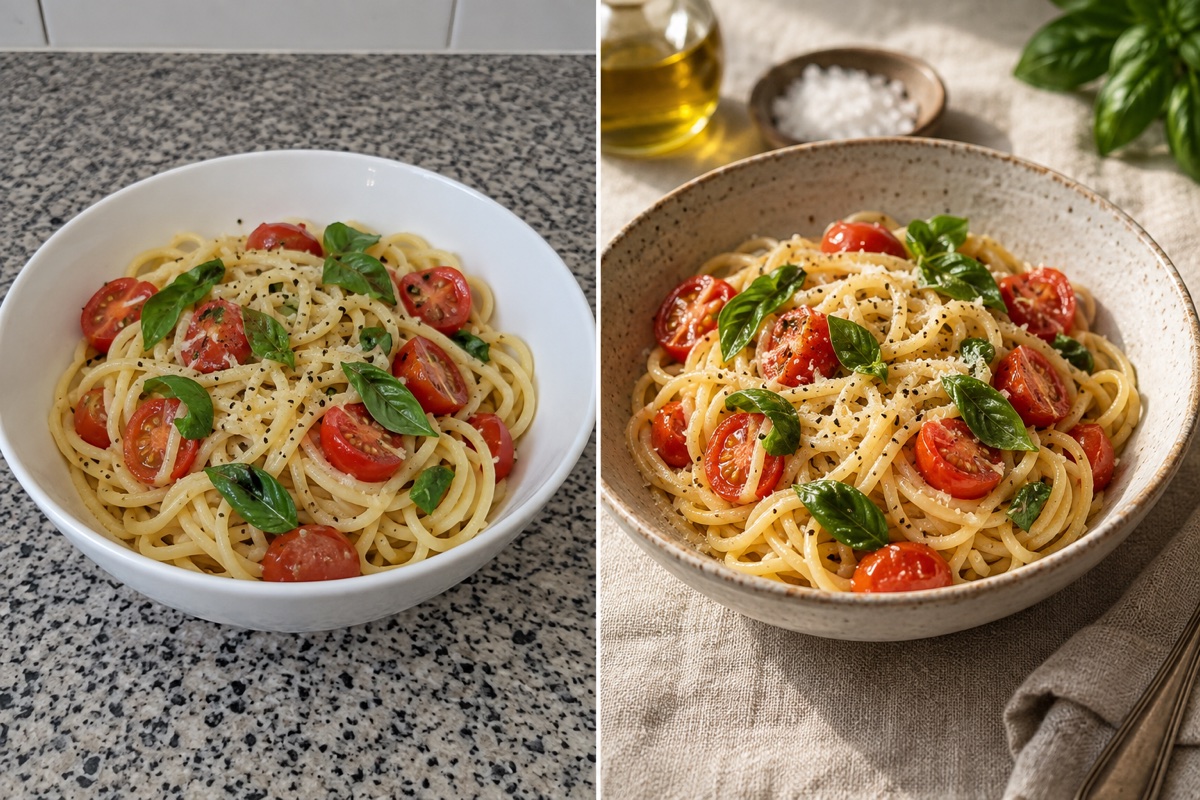
Food photography
Improve the table setting and light around your dish.
Upload 1 photo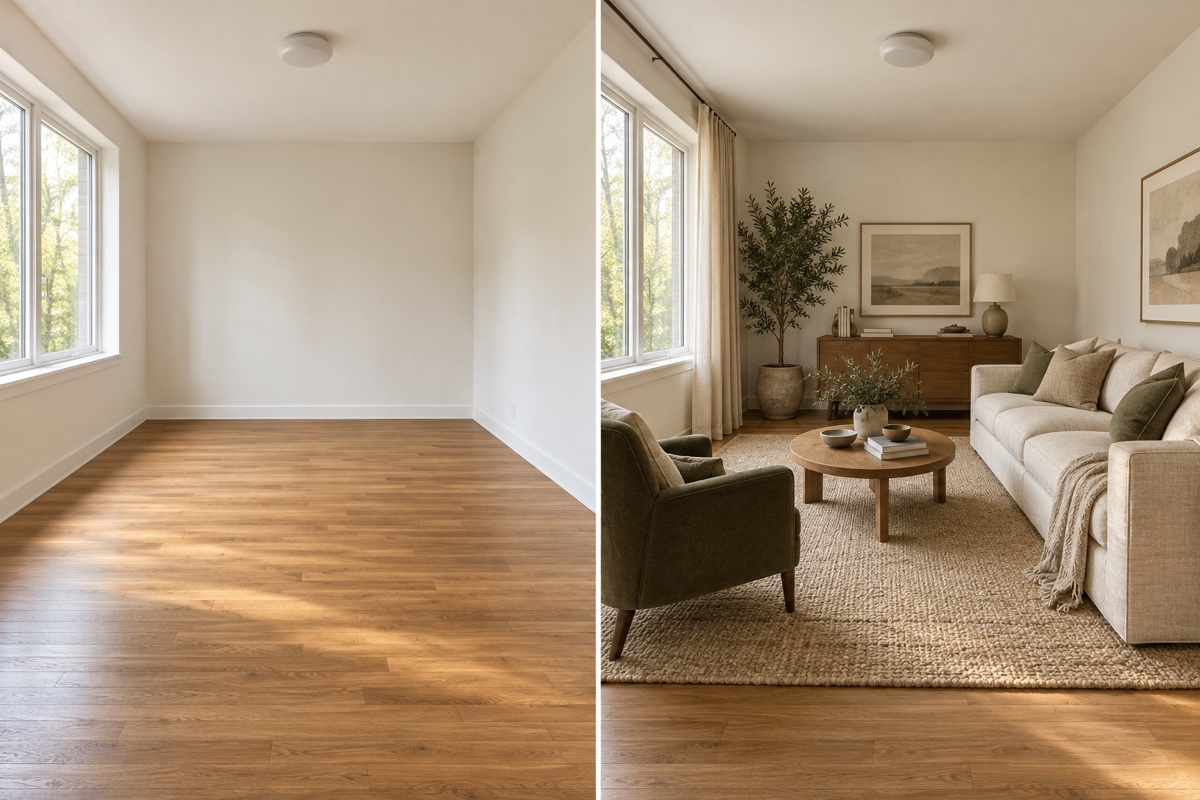
Redesign a room
Try furniture and finishes while retaining the room layout.
Upload 1 photo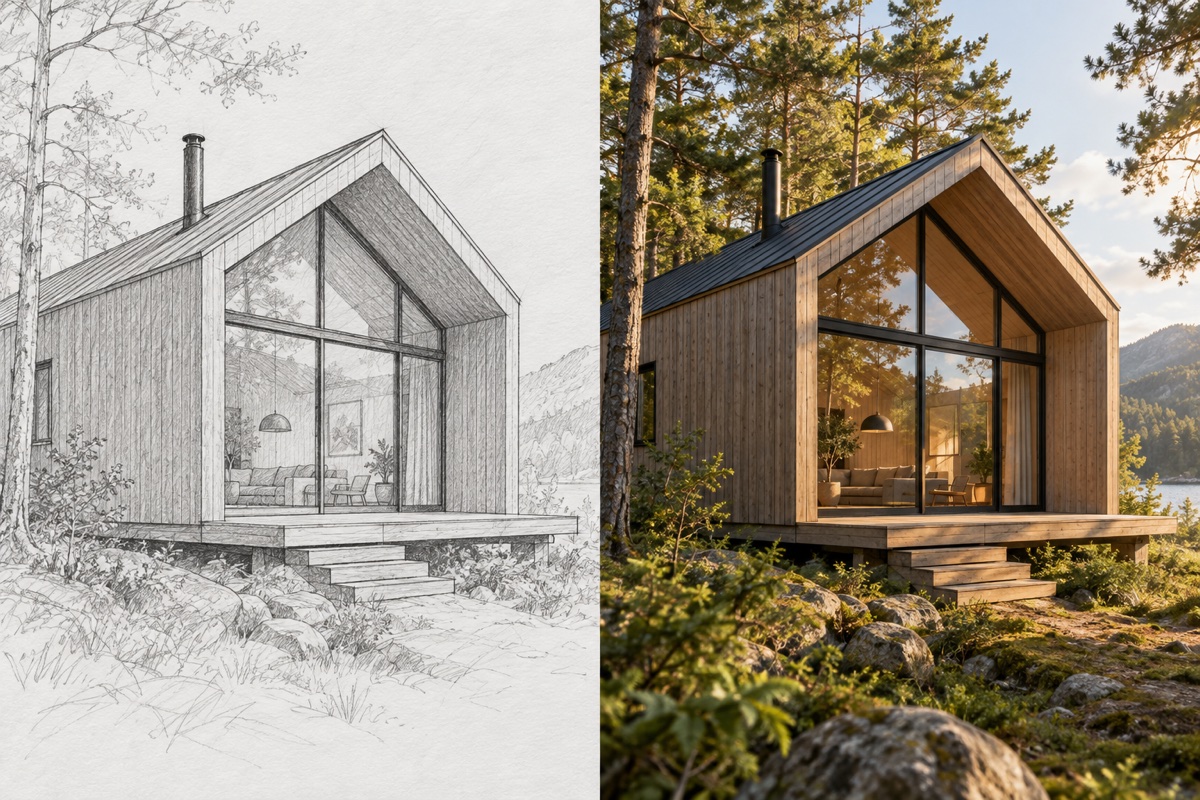
Sketch to image
Turn your drawing into a rendered image with matching structure.
Upload 1 photo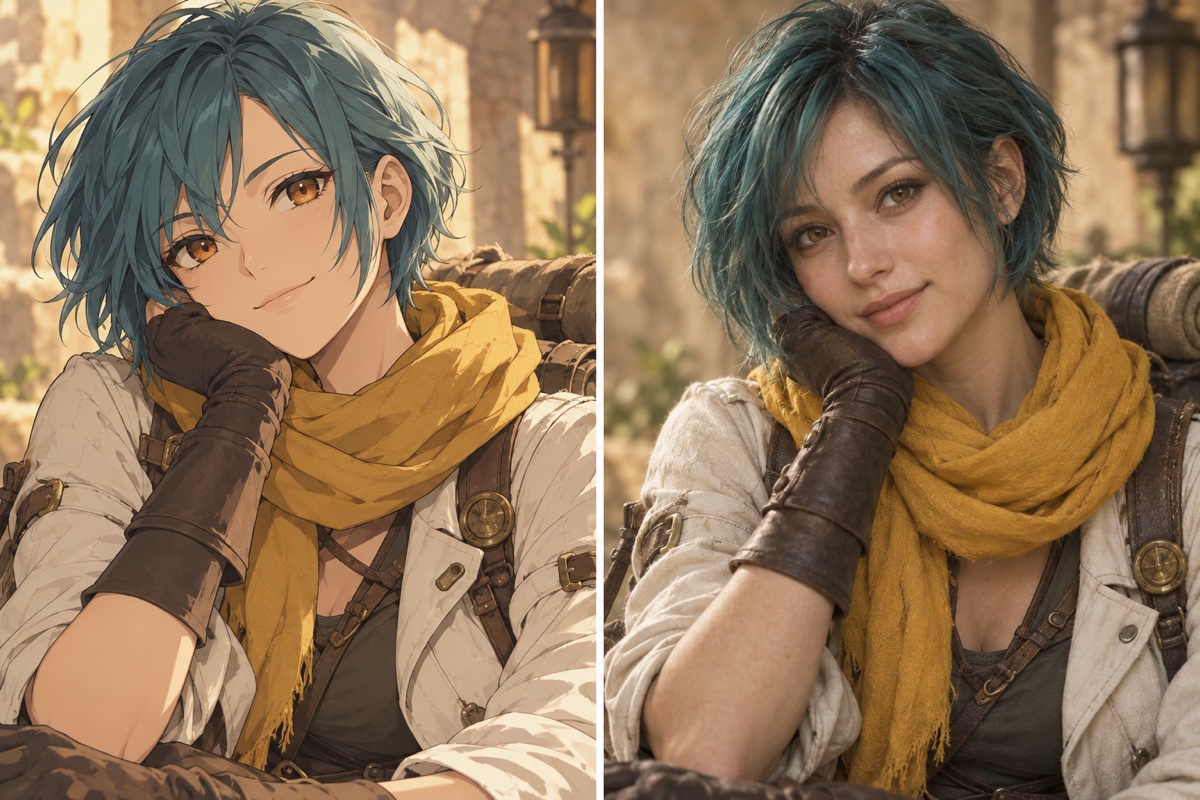
Anime to realistic portrait
Translate a character’s hair, outfit and accessories into a photograph.
Upload 1 photo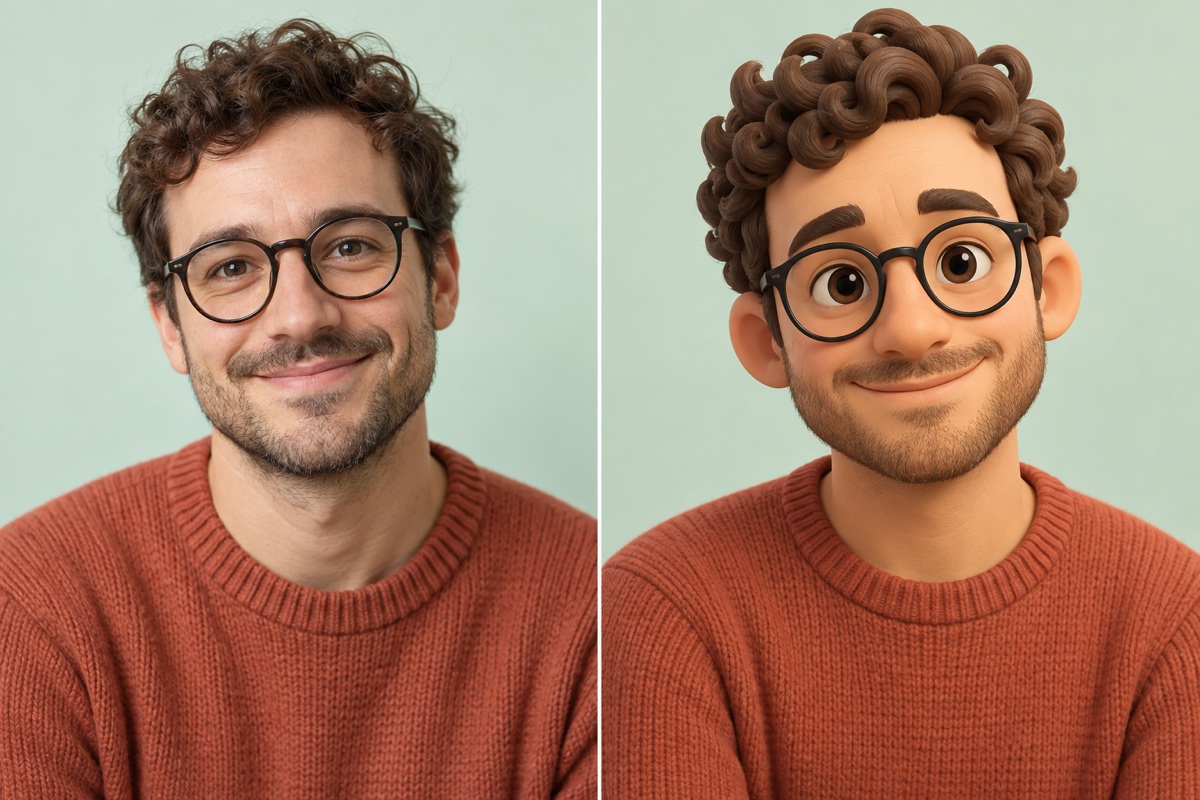
Cartoon avatar
Keep recognizable facial features in an illustrated portrait.
Upload 1 photo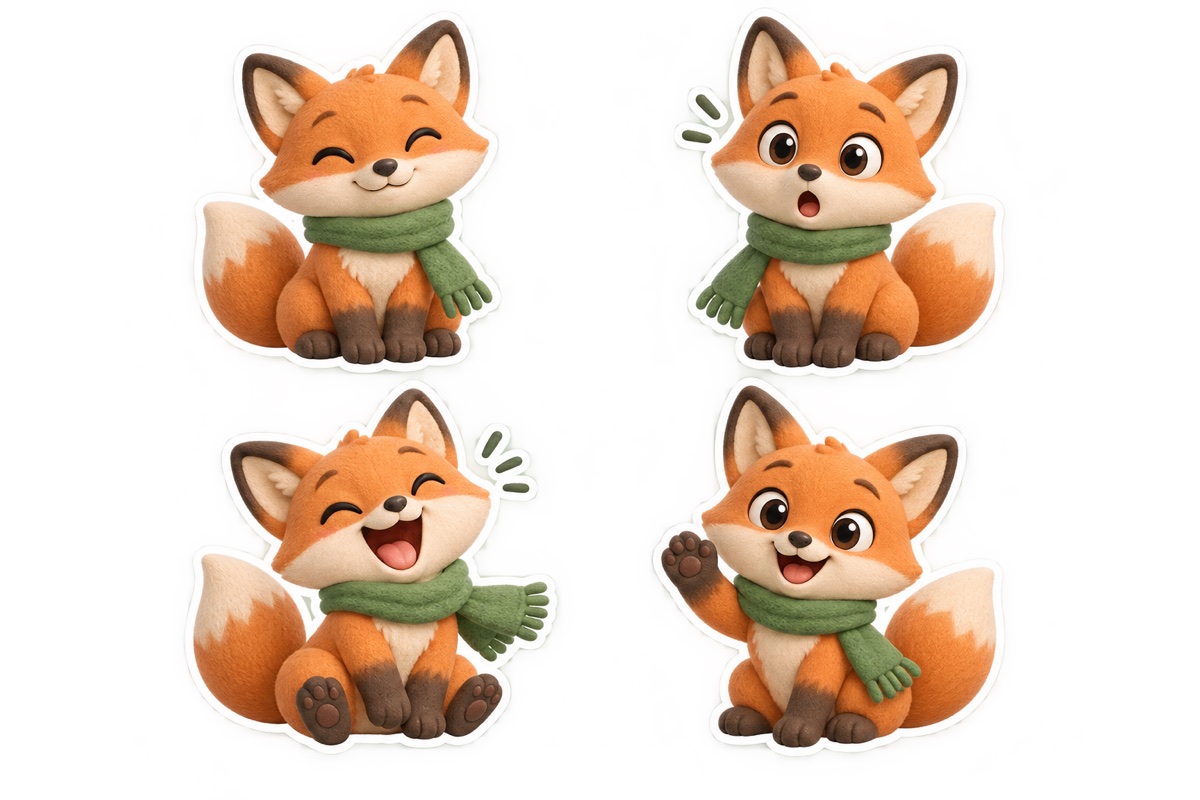
Character stickers
Make a matching set of expressions from one reference.
Upload 1 photo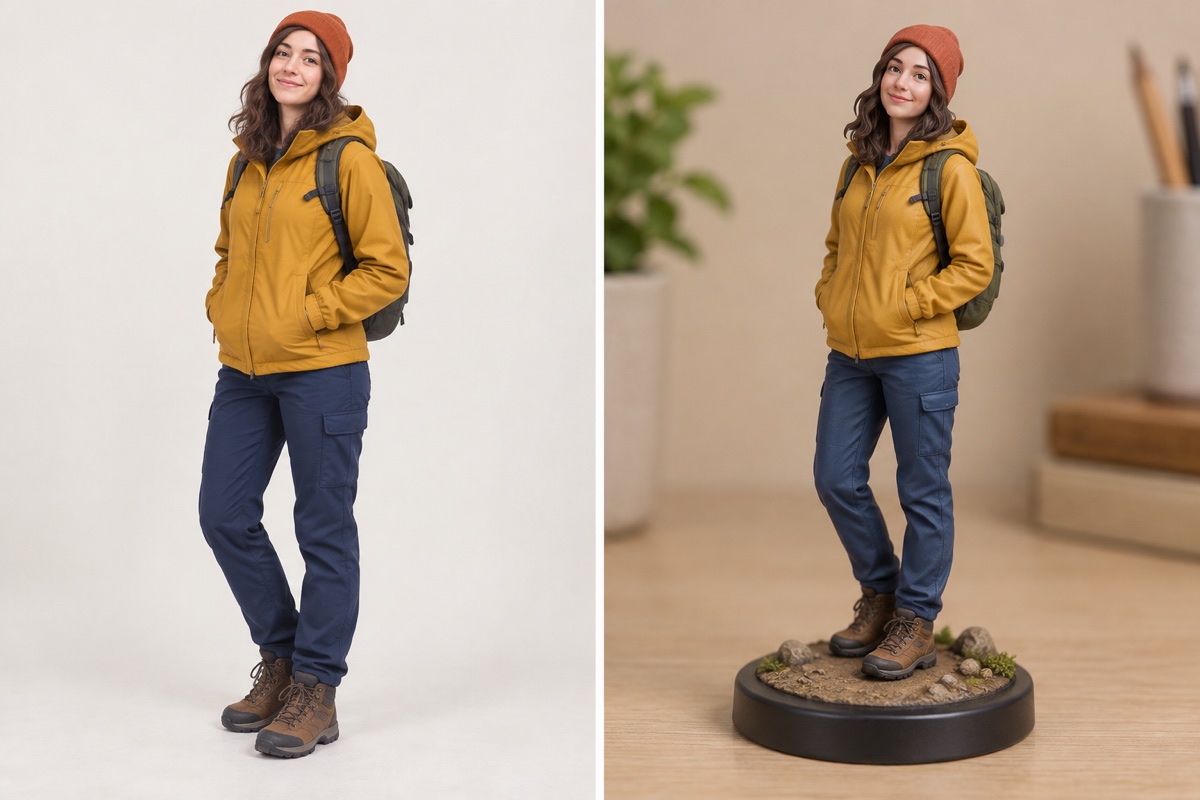
Photo to collectible figure
Reimagine a person or character as a miniature display figure.
Upload 1 photo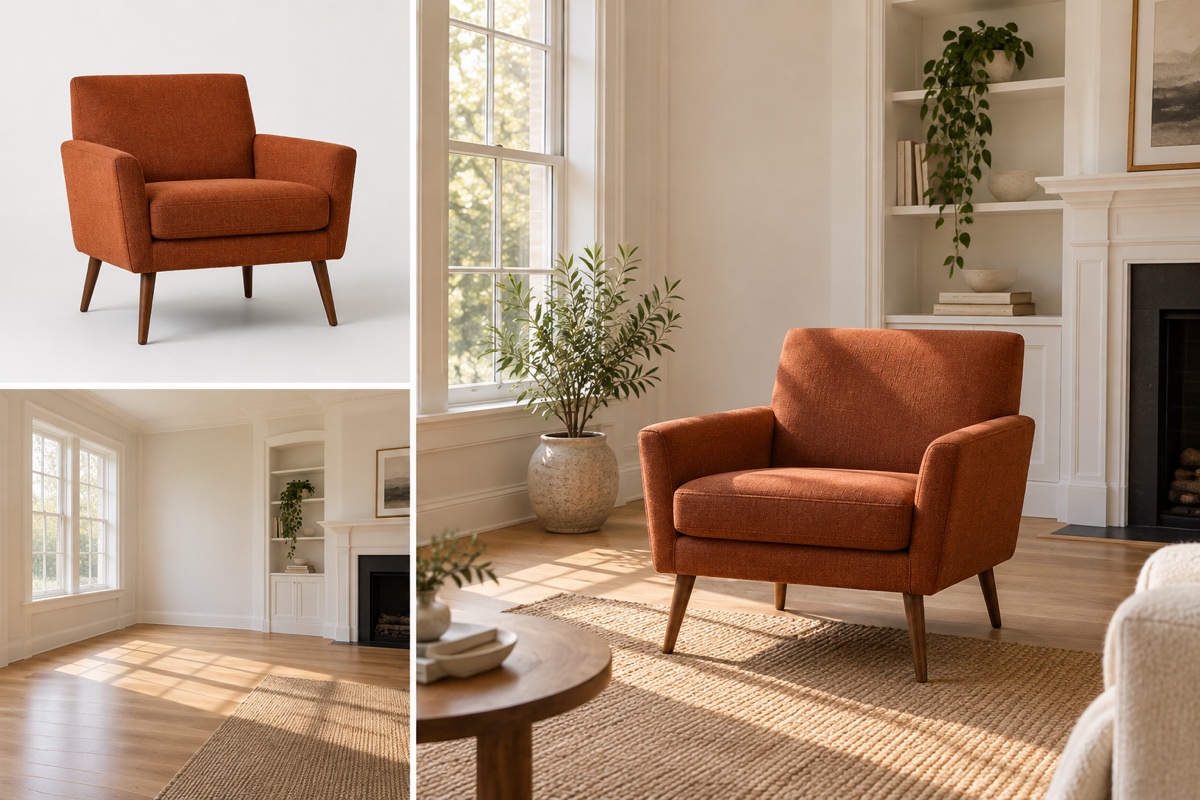
Combine reference images
Put the subject from one photo into the setting of another.
Upload 2 photos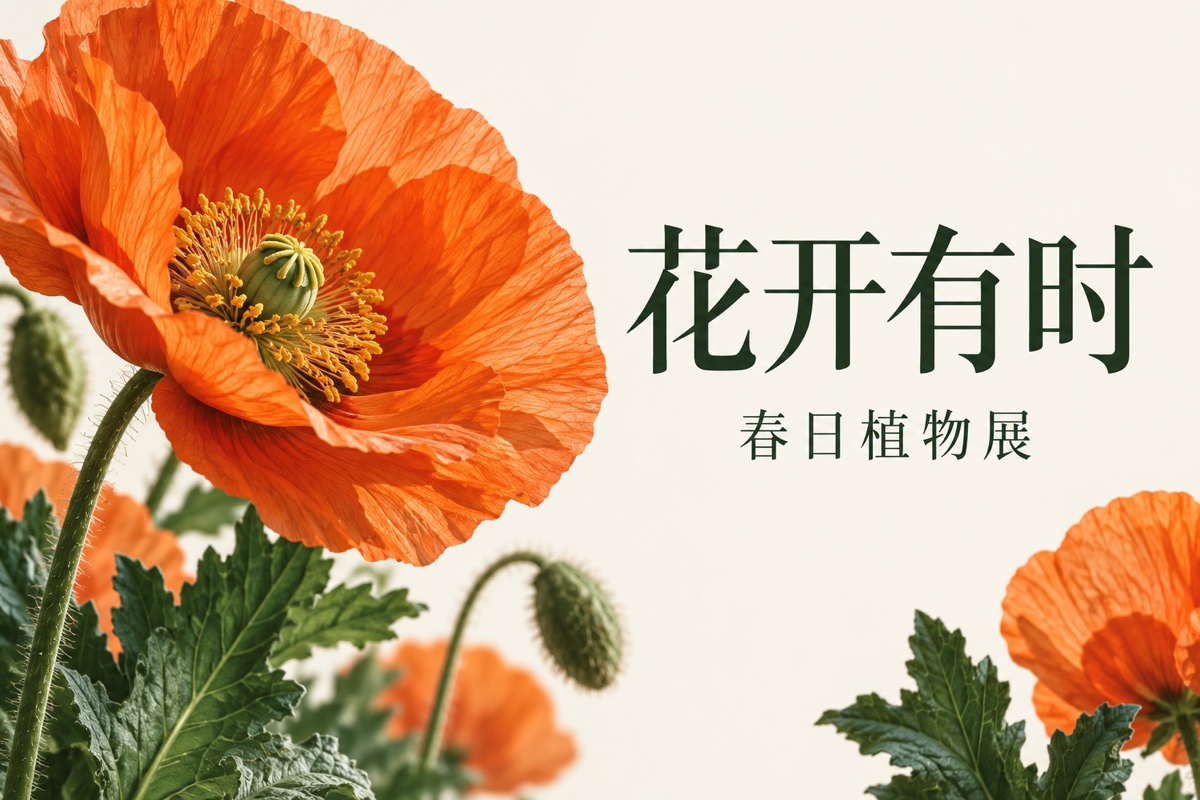
Design a poster
Specify the headline, subject and layout in one instruction.
Start with words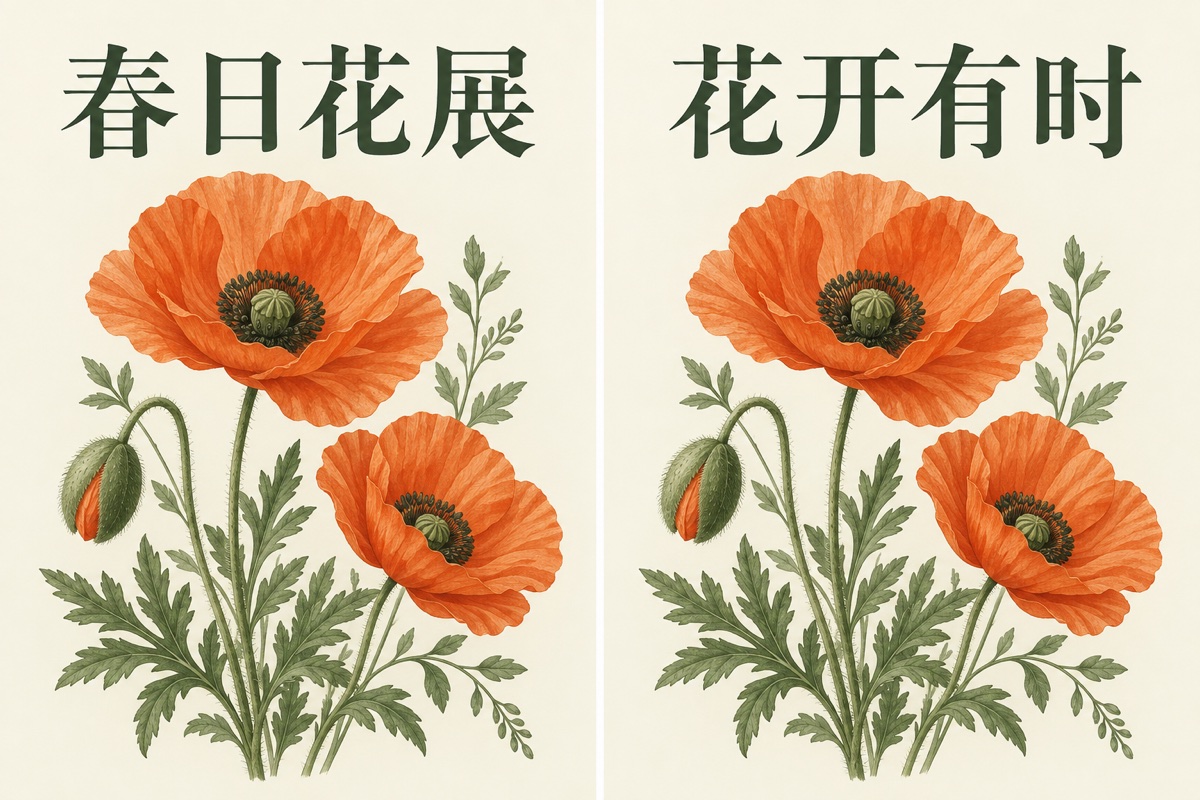
Edit text in an image
Replace a headline while retaining the surrounding design.
Upload 1 photo
Explore logo ideas
Generate a visual direction for a mark or brand symbol.
Start with words
Create an illustration
Describe a character, scene and drawing style from scratch.
Start with wordsBefore you start
Do I need a photo?
Only for tasks that edit an existing image. Posters, logos and illustrations can start with text. Combining images needs at least two references.
Will an edit preserve every detail?
An image model regenerates the picture. Faces, product labels and fine details can change; check them before publishing or printing.
Can I get a transparent cutout?
The white-background and sticker tools create ordinary images. They do not export a transparent cutout or separate editable layers.
How are credits charged?
The editor shows the total before submission. Selecting a different model or image count updates that total. View the available packs on the pricing page.