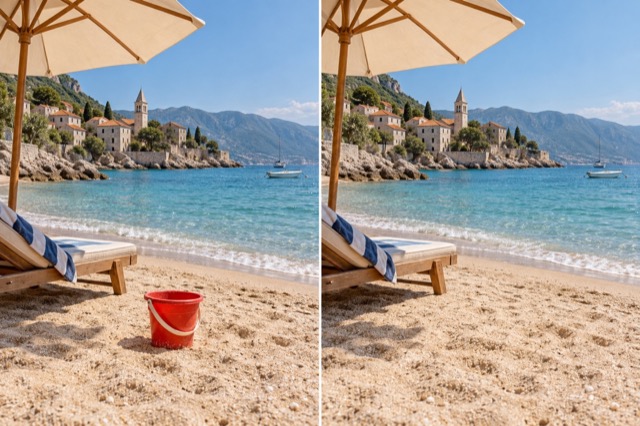
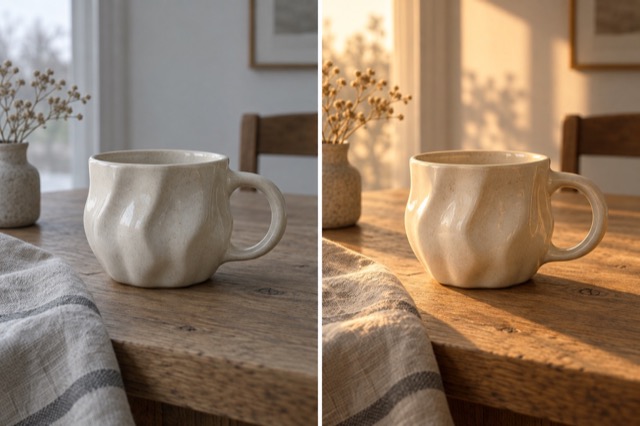
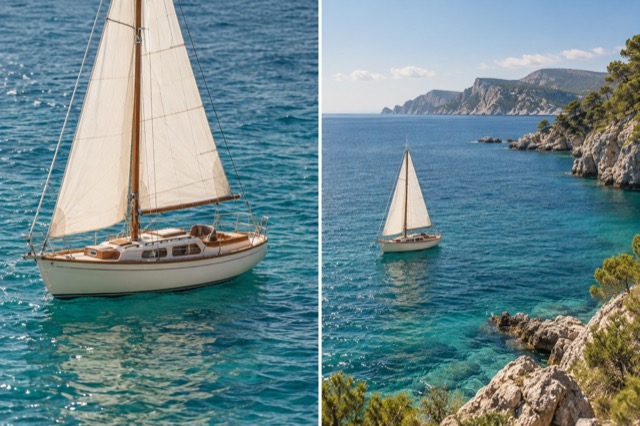
Replace a background
Keep the subject. Describe a new place, color or setting.
Add 1 reference image(s) before generating.
JPG, PNG or WebP · up to 4 images · 8 MB each
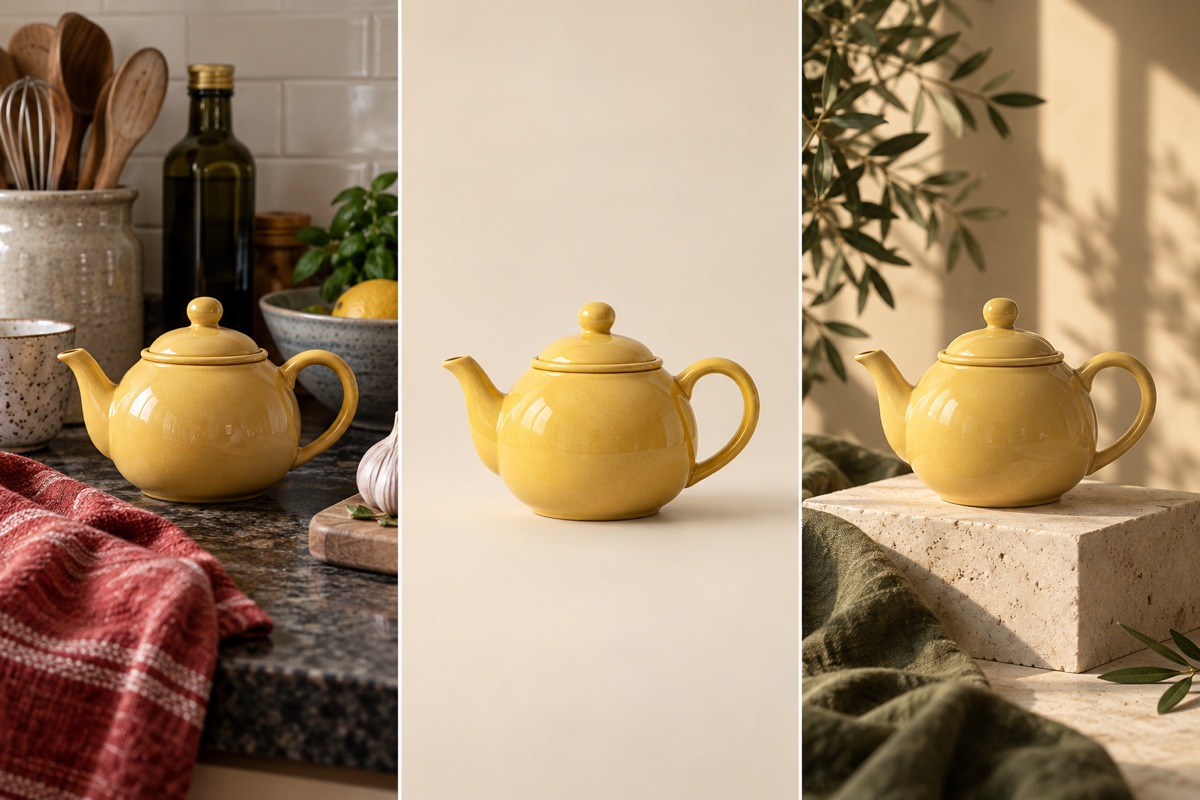
Edit the setting, keep the subject in focus
A single photo can become a studio shot or a scene outdoors. Name the background, light direction and details to preserve, rather than asking for a general improvement.
Replace a background:How to get a useful result
Before you generate
Upload a clear original with the subject fully visible. JPG, PNG and WebP are supported, up to 8 MB per image and four reference images per task.
What to check in the result
Name the new location or color. Check hair, fur and the edges of transparent objects after the change.
A starting instruction you can edit
Replace the background of the uploaded photo with a sunlit meadow with small white flowers. Preserve the subject, pose, proportions and fine edges. Match the lighting and contact shadows to the new scene.
Back to the editorUsing this tool
What should I upload?
Upload a clear original with the subject fully visible. JPG, PNG and WebP are supported, up to 8 MB per image and four reference images per task.
What should I check before using the image?
Name the new location or color. Check hair, fur and the edges of transparent objects after the change. This tool generates a new image from your instructions. Review faces, labels, lettering and geometry at full size. For another attempt, change one requirement at a time.