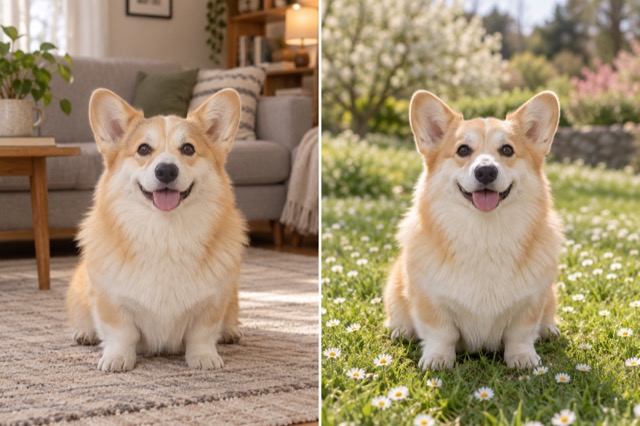
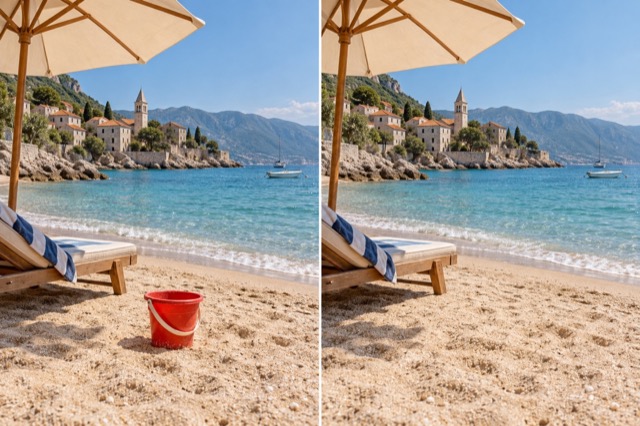
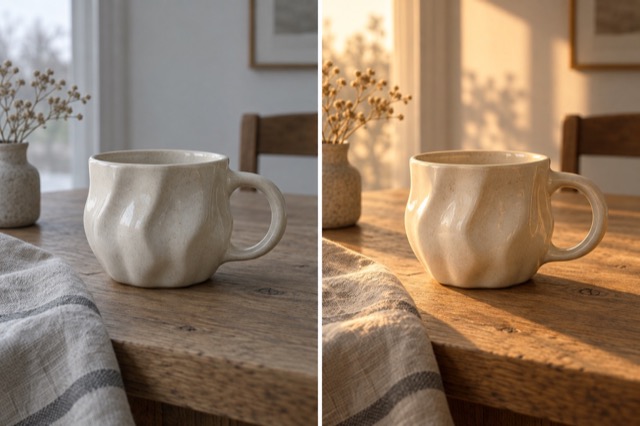
Extend an image
Choose a wider ratio and describe what should appear around it.
Add 1 reference image(s) before generating.
JPG, PNG or WebP · up to 4 images · 8 MB each
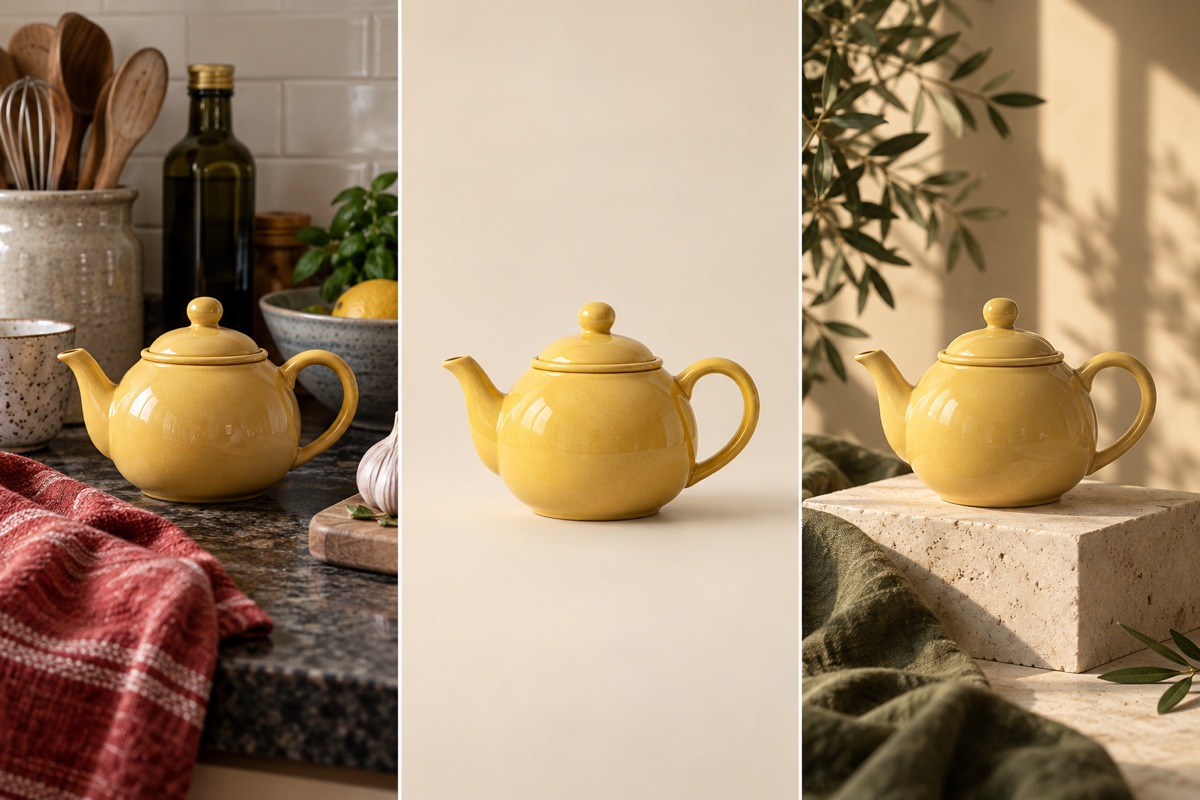
Edit the setting, keep the subject in focus
A single photo can become a studio shot or a scene outdoors. Name the background, light direction and details to preserve, rather than asking for a general improvement.
Extend an image:How to get a useful result
Before you generate
Upload a clear original with the subject fully visible. JPG, PNG and WebP are supported, up to 8 MB per image and four reference images per task.
What to check in the result
Set the output ratio as well as the direction to extend. The surrounding area is newly generated; check repeating textures.
A starting instruction you can edit
Expand the uploaded image into a 16:9 landscape composition. Keep the original central subject and extend the surroundings naturally on both sides with consistent perspective, textures and lighting. Do not stretch the subject.
Back to the editorUsing this tool
What should I upload?
Upload a clear original with the subject fully visible. JPG, PNG and WebP are supported, up to 8 MB per image and four reference images per task.
What should I check before using the image?
Set the output ratio as well as the direction to extend. The surrounding area is newly generated; check repeating textures. This tool generates a new image from your instructions. Review faces, labels, lettering and geometry at full size. For another attempt, change one requirement at a time.