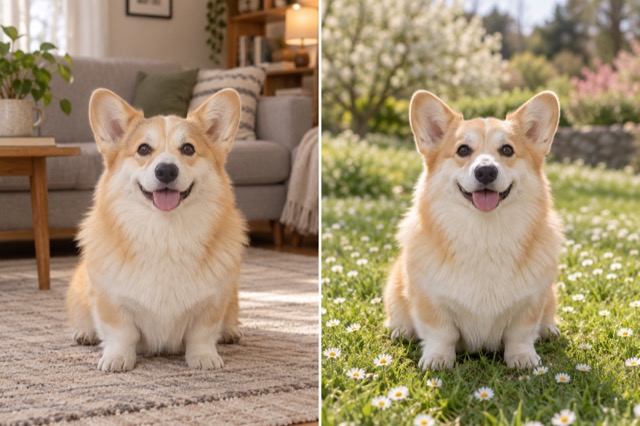
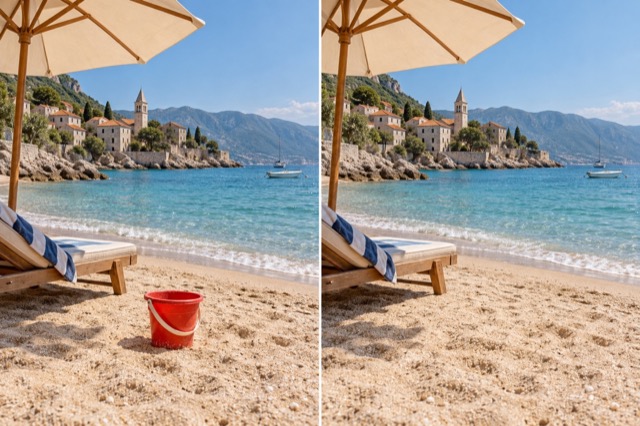
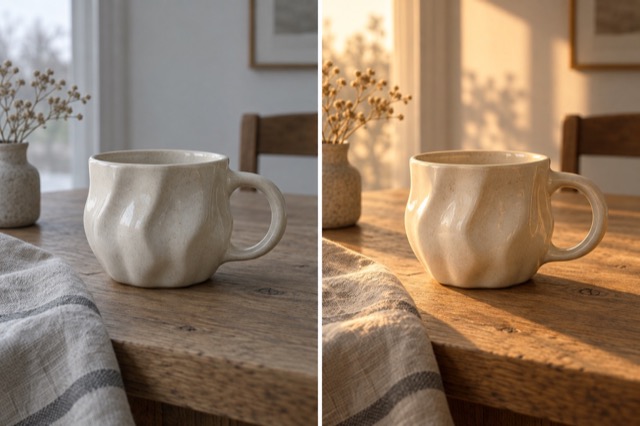
Colorize a photo
Add plausible color to a black-and-white photo.
Add 1 reference image(s) before generating.
JPG, PNG or WebP · up to 4 images · 8 MB each
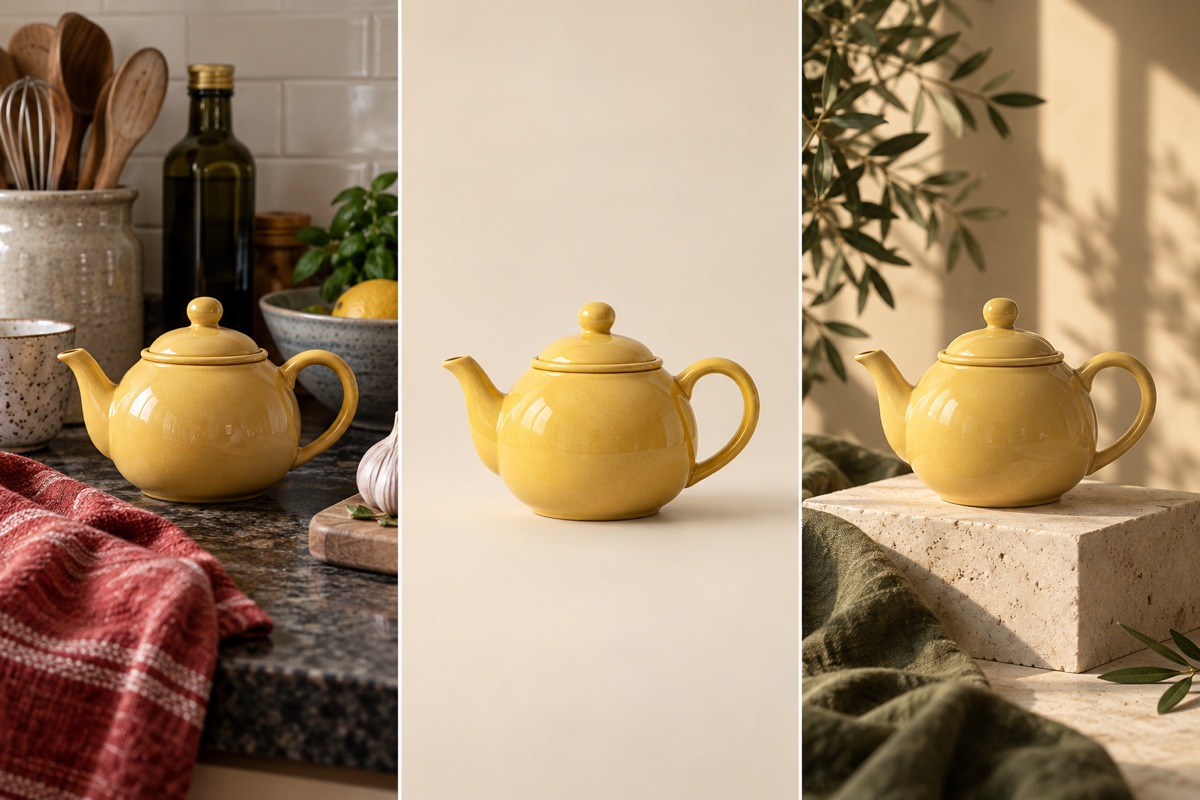
Edit the setting, keep the subject in focus
A single photo can become a studio shot or a scene outdoors. Name the background, light direction and details to preserve, rather than asking for a general improvement.
Colorize a photo:How to get a useful result
Before you generate
Upload a clear original with the subject fully visible. JPG, PNG and WebP are supported, up to 8 MB per image and four reference images per task.
What to check in the result
Provide known clothing or object colors when available. Without references, added colors are plausible interpretations.
A starting instruction you can edit
Colorize the uploaded black-and-white photo with restrained, plausible colors. Use natural skin tones and era-appropriate clothing colors. Preserve facial features, texture, composition and the original light.
Back to the editorUsing this tool
What should I upload?
Upload a clear original with the subject fully visible. JPG, PNG and WebP are supported, up to 8 MB per image and four reference images per task.
What should I check before using the image?
Provide known clothing or object colors when available. Without references, added colors are plausible interpretations. This tool generates a new image from your instructions. Review faces, labels, lettering and geometry at full size. For another attempt, change one requirement at a time.