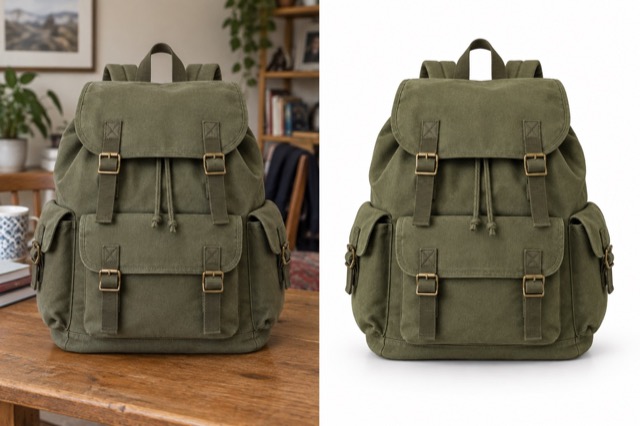
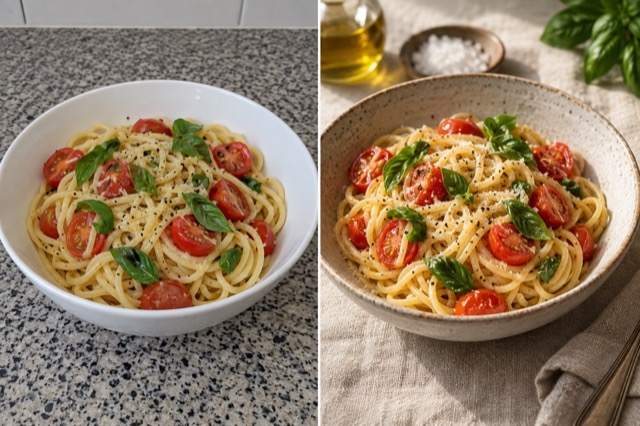
Product scene
Place your product in a styled setting with matching shadows.
Add 1 reference image(s) before generating.
JPG, PNG or WebP · up to 4 images · 8 MB each
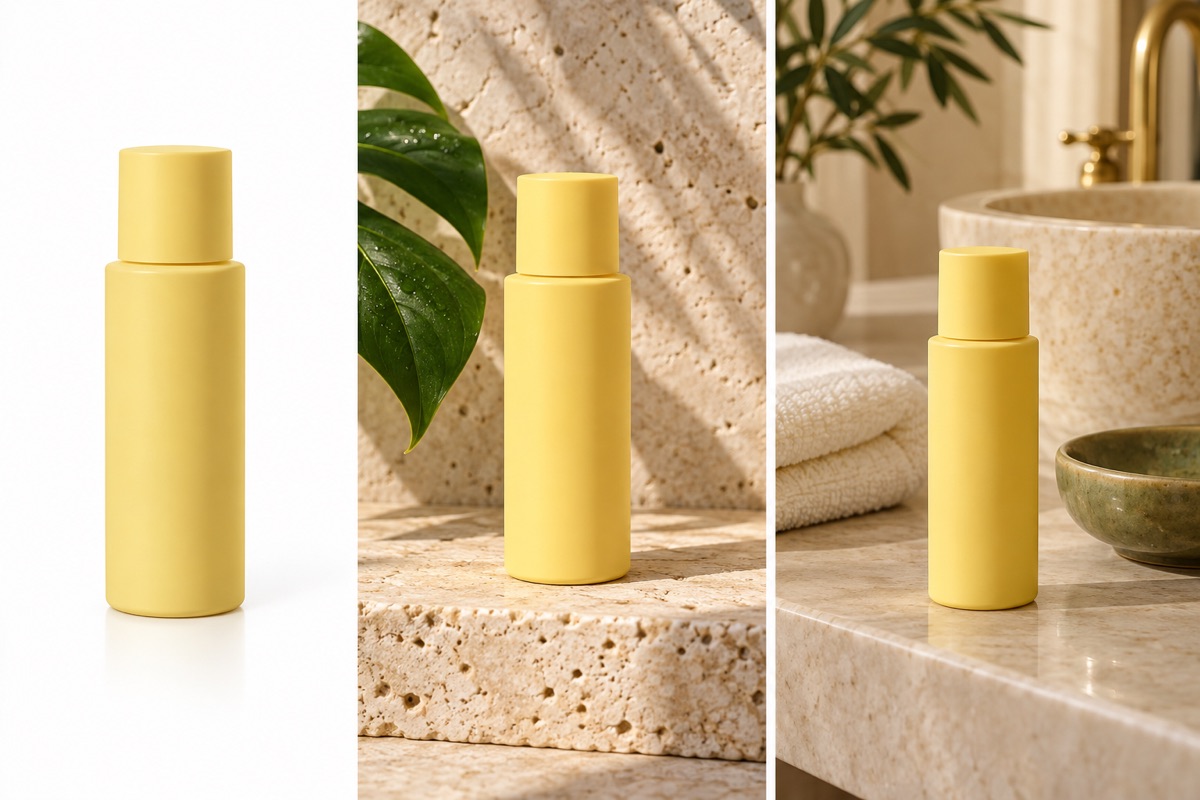
Build a consistent set of product images
A white background, a styled tabletop and a lifestyle scene serve different uses. Describe the setting and leave room for the product; check packaging and labels against the original.
Product scene:How to get a useful result
Before you generate
Upload a clear original with the subject fully visible. JPG, PNG and WebP are supported, up to 8 MB per image and four reference images per task.
What to check in the result
Start with a sharp product photo and specify the props. Small print, logos and package proportions need manual review.
A starting instruction you can edit
Place the uploaded product on pale travertine with fresh green leaves in soft warm sunlight. Preserve the product shape, proportions, packaging and all existing label details. Create realistic contact shadows and a restrained editorial product photograph.
Back to the editorUsing this tool
What should I upload?
Upload a clear original with the subject fully visible. JPG, PNG and WebP are supported, up to 8 MB per image and four reference images per task.
What should I check before using the image?
Start with a sharp product photo and specify the props. Small print, logos and package proportions need manual review. This tool generates a new image from your instructions. Review faces, labels, lettering and geometry at full size. For another attempt, change one requirement at a time.