White-background product photo
Create a clean white backdrop and a subtle contact shadow.
Add 1 reference image(s) before generating.
JPG, PNG or WebP · up to 4 images · 8 MB each
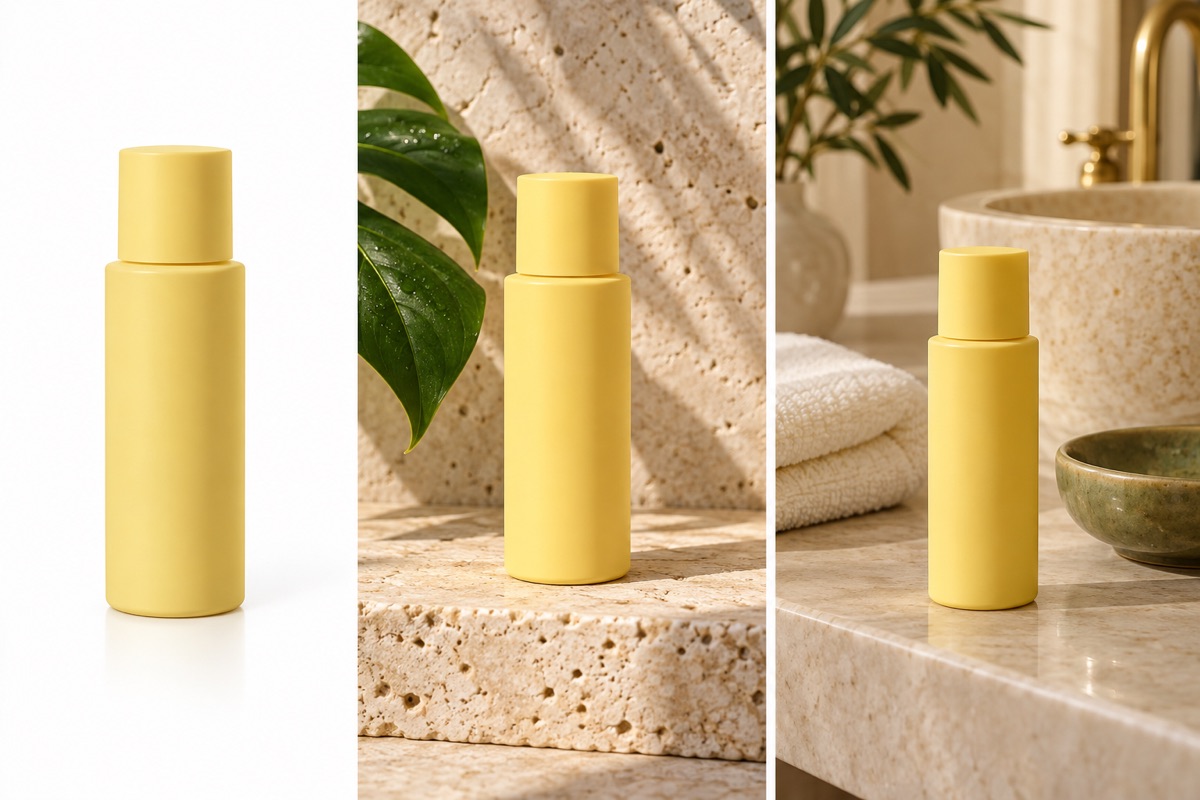
Build a consistent set of product images
A white background, a styled tabletop and a lifestyle scene serve different uses. Describe the setting and leave room for the product; check packaging and labels against the original.
White-background product photo:How to get a useful result
Before you generate
Upload a clear original with the subject fully visible. JPG, PNG and WebP are supported, up to 8 MB per image and four reference images per task.
What to check in the result
Ask for white and set the desired margins. The output has a white background; it is not a transparent PNG cutout.
A starting instruction you can edit
Place the uploaded product against a clean pure-white background, centered with generous margins. Preserve the product’s shape, color, texture and label. Add a subtle natural contact shadow. Output a regular image with a white background, not a transparent cutout.
Back to the editorUsing this tool
What should I upload?
Upload a clear original with the subject fully visible. JPG, PNG and WebP are supported, up to 8 MB per image and four reference images per task.
What should I check before using the image?
Ask for white and set the desired margins. The output has a white background; it is not a transparent PNG cutout. This tool generates a new image from your instructions. Review faces, labels, lettering and geometry at full size. For another attempt, change one requirement at a time.