GPT Image 1.5
Deep Dive & Analysis
A major upgrade to OpenAI's image generation technology. This article breaks down core breakthroughs in high-fidelity generation, instruction adherence, and precise editing.
Core Features & Improvements
Significant leaps compared to the previous GPT Image 1.0 series
Extreme Instruction Following
Understands complex structured prompts, strictly preserving key details like composition, lighting, and brand logos without missing constraints.
Precise Editing
Supports local in-painting. Change clothes, try hairstyles, add/remove elements without destroying the essence and lighting consistency.
Blazing Fast Parallel Generation
Up to 4x faster. Supports asynchronous workflows; send new requests while waiting for results.
Perfect Text Rendering
Excels at dense small text. Accurately renders quoted text, typography, and layout, perfect for posters and marketing.
High-Fidelity Images
Better detail retention, vivid colors. Solves distortion in small faces, generating natural HD images.
Multi-Image Input
Supports style transfer and multi-image input. Reconstruct conceptual sketches into movie posters or perform complex style mixing.
GPT Image 1.5 vs Nano Banana Pro
Nano Banana Pro (Google Gemini 3 Pro Image) is a strong contender. GPT Image 1.5 reclaimed the LMArena top spot on release day. Here is the detailed comparison:
| Dimension | GPT Image 1.5 (OpenAI) | Nano Banana Pro (Google) |
|---|---|---|
| Core Strength | Speed, Strict Adherence, Precise Edit | Hyper-realism, World Knowledge, Studio Control |
| Adherence | Winner: Strictly keeps composition | Good, but sometimes "over-smarts" details |
| Realism | High-Fidelity, Natural Faces | Winner: Indistinguishable Photo-realism |
| Speed | Winner: Parallel, up to 4x faster | Fast, but Pro focuses on quality |
| Text Rendering | Significant improvement, precise | Winner: Perfect multilingual, long text |
| Leaderboard Score | 1277 (No.1) | 1235 (No.2) |
*Data based on LMArena blind tests and community feedback on release day
Generation Examples

Infographic Style
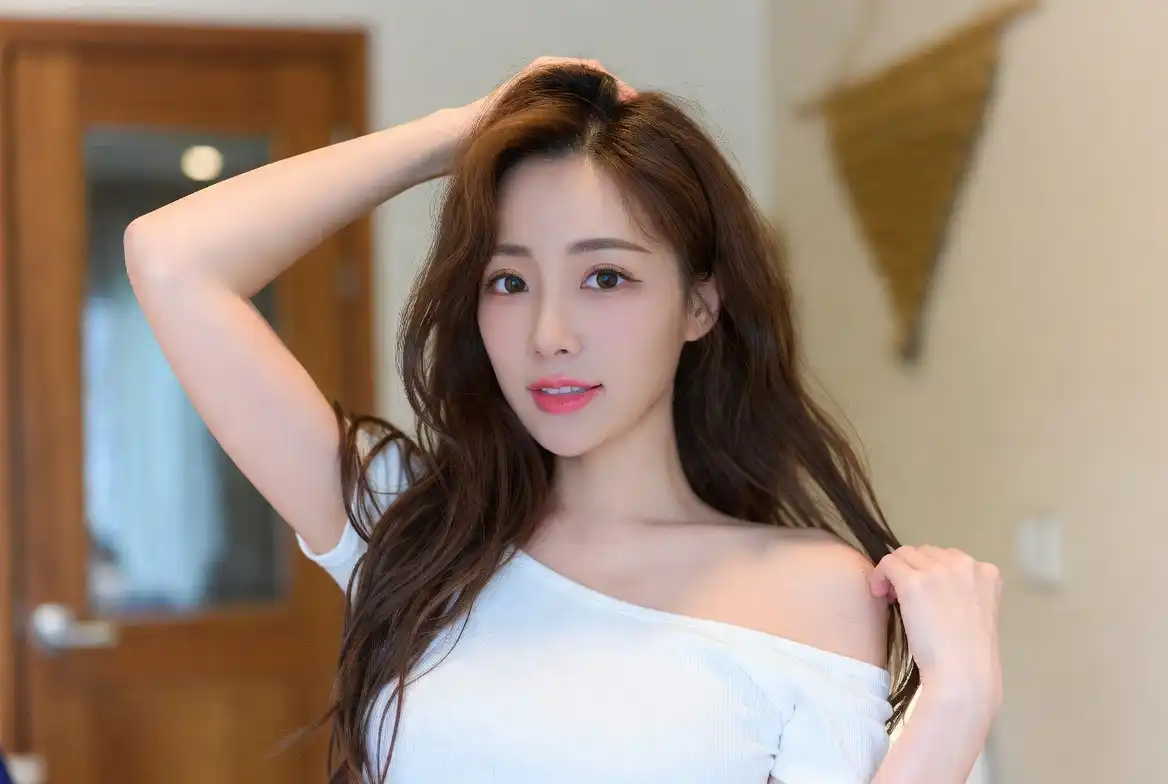
Realistic Portrait
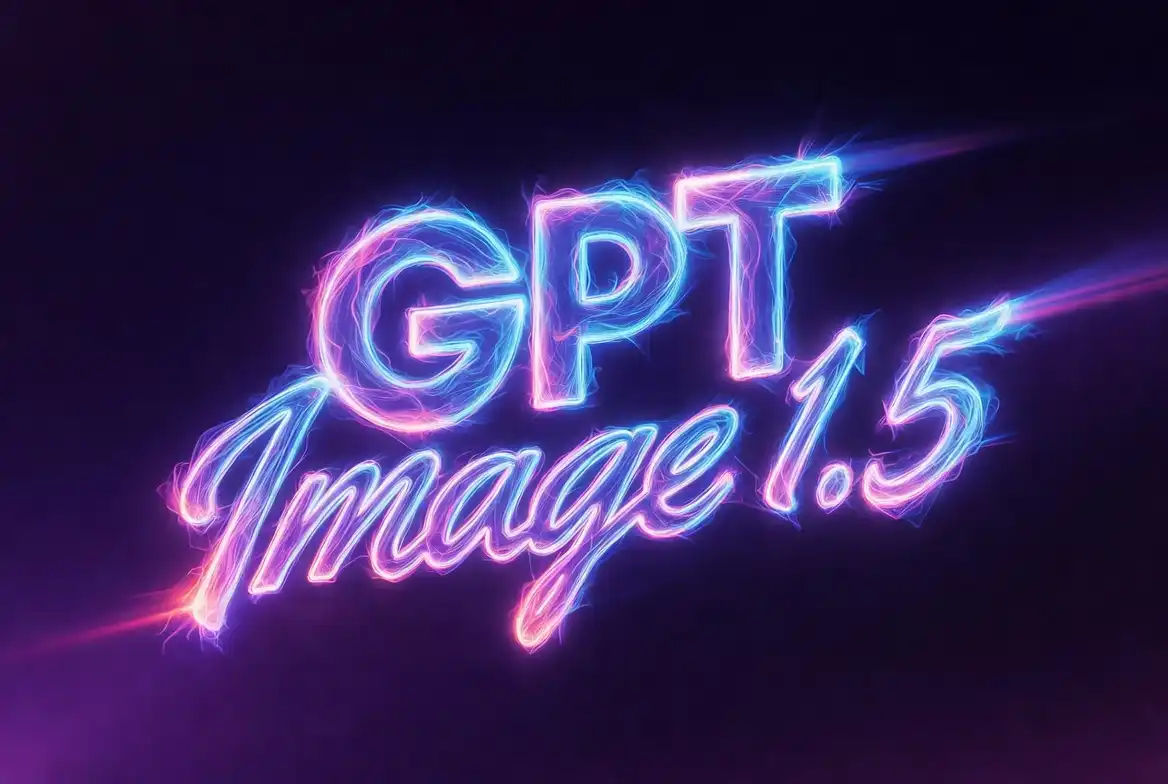
Text Rendering
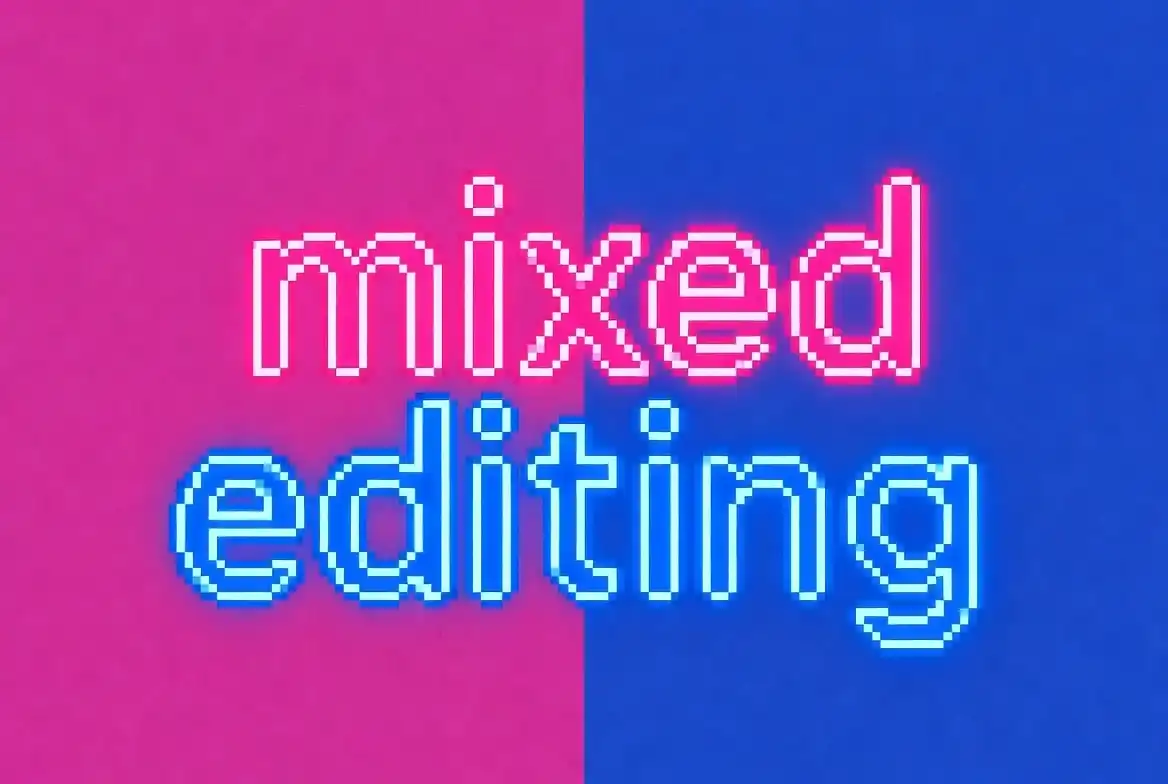
Mixed Editing
Prompt Best Practices
1. Structured Prompting
Organize by: Background/Scene → Subject → Key Details → Constraints.
2. Precise Editing
Explicitly state what to keep. Use "Change only..."
3. Text Handling
Quote text and specify font/color.
4. Quality Trade-off
Choose quality parameters based on needs.
Pricing & Availability
For ChatGPT Users
- Available to all (inc. Free)
- New "Images" sidebar UI
- Web & Mobile support
For API Developers
- Model name: gpt-image-1.5
- 20% lower cost than v1
- Tier 5 supports 250 IPM