핵심 특징 및 개선 사항
이전 GPT Image 1.0 시리즈 대비 비약적인 발전
극한의 지시 준수
복잡한 구조화된 프롬프트를 이해하고 구도, 조명, 브랜드 로고 등 핵심 세부 사항을 엄격히 유지하며 제약 조건을 놓치지 않습니다.
정밀 편집 능력
부분 다시 그리기(In-painting) 지원. 원본 이미지의 본질과 조명의 일관성을 파괴하지 않고 옷 갈아입히기, 헤어스타일 변경, 요소 추가/제거가 가능합니다.
초고속 병렬 생성
속도 최대 4배 향상. 비동기 워크플로를 지원하여 결과를 기다리는 동안 새로운 요청을 계속 보낼 수 있습니다.
완벽한 텍스트 렌더링
작고 빽빽한 텍스트 처리가 뛰어납니다. 따옴표 안의 문자, 타이포그래피, 레이아웃을 정확하게 렌더링하여 포스터 및 마케팅 디자인에 적합합니다.
고충실도 이미지
세부 묘사 보존이 더 좋고 색상이 더 생생하며, 작은 얼굴 렌더링 시의 왜곡 문제를 완전히 해결하여 자연스러운 HD 이미지를 생성합니다.
다중 이미지 입력 복합
스타일 전이 및 다중 이미지 입력을 지원합니다. 개념 스케치를 영화 포스터로 재구성하거나 복잡한 스타일 혼합을 수행할 수 있습니다.
GPT Image 1.5 vs Nano Banana Pro
Nano Banana Pro (Google Gemini 3 Pro Image)는 현재 강력한 경쟁자입니다. GPT Image 1.5는 출시 당일 LMArena 1위를 탈환했습니다. 상세 비교는 다음과 같습니다:
| 차원 | GPT Image 1.5 (OpenAI) | Nano Banana Pro (Google) |
|---|---|---|
| 핵심 강점 | 속도, 엄격한 지시 준수, 정밀 편집 | 초현실주의, 풍부한 세계 지식, 스튜디오급 제어 |
| 지시 준수 | 승리: 구도와 디테일 엄격 유지 | 우수하나 가끔 과도하게 "똑똑하게" 디테일 추가 |
| 현실감 | 고충실도, 자연스러운 얼굴 | 승리: 구별하기 힘든 사진급 이미지 |
| 생성 속도 | 승리: 병렬 지원, 최대 4배 빠름 | 빠르지만 Pro 버전은 품질 중시 |
| 텍스트 렌더링 | 상당한 개선, 정밀한 배치 | 승리: 다국어 지원 완벽, 긴 텍스트 무리 없음 |
| 순위 점수 | 1277 (No.1) | 1235 (No.2) |
*데이터는 출시일 LMArena 블라인드 테스트 및 커뮤니티 피드백 기준
생성 예시 전시

인포그래픽 스타일
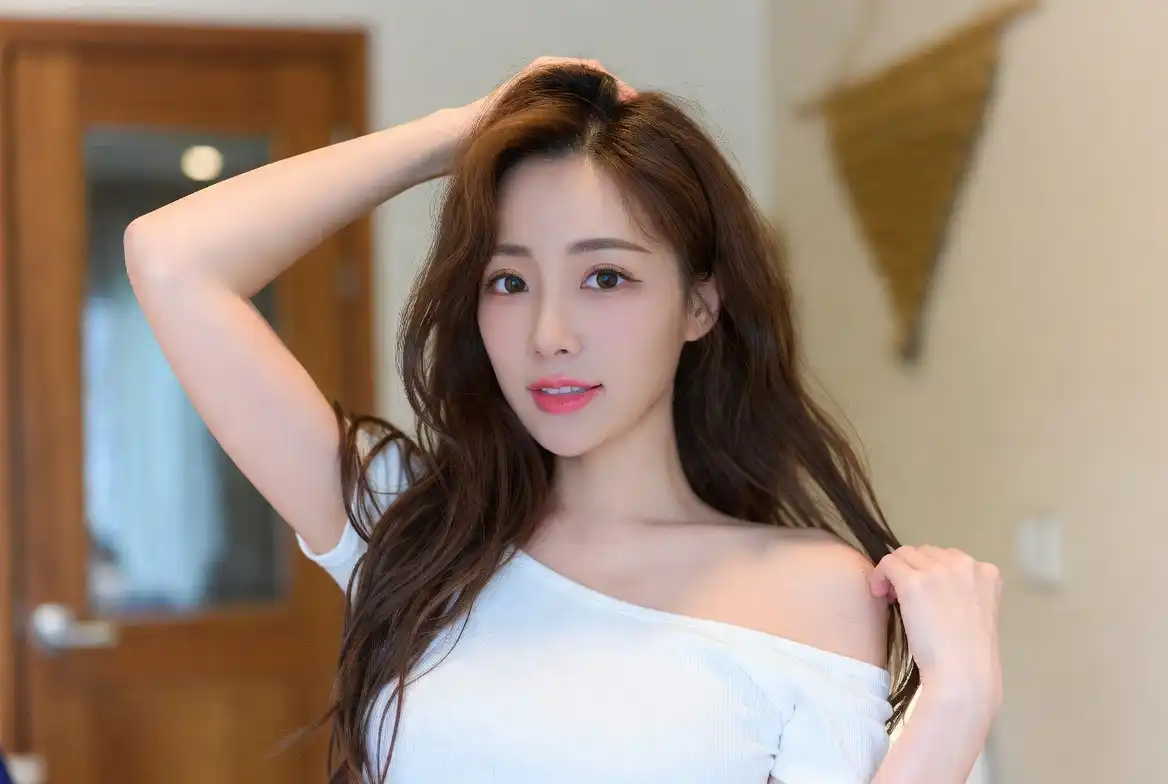
사실적 인물
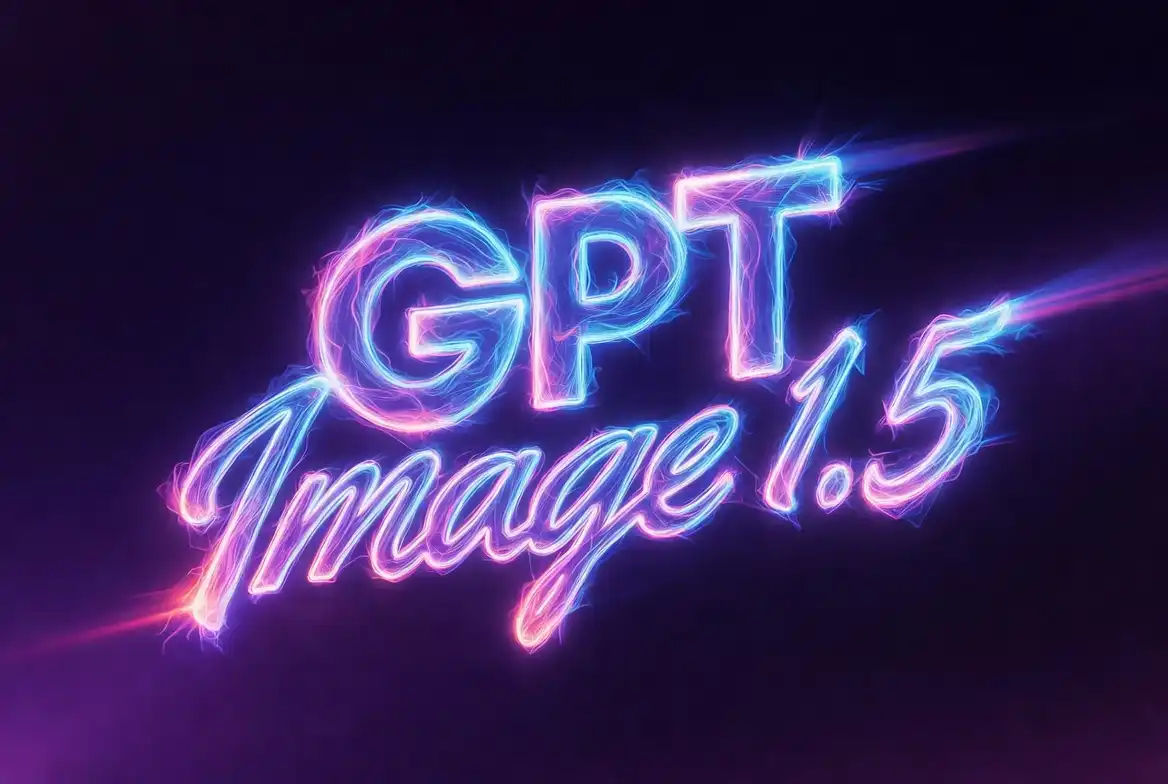
텍스트 렌더링
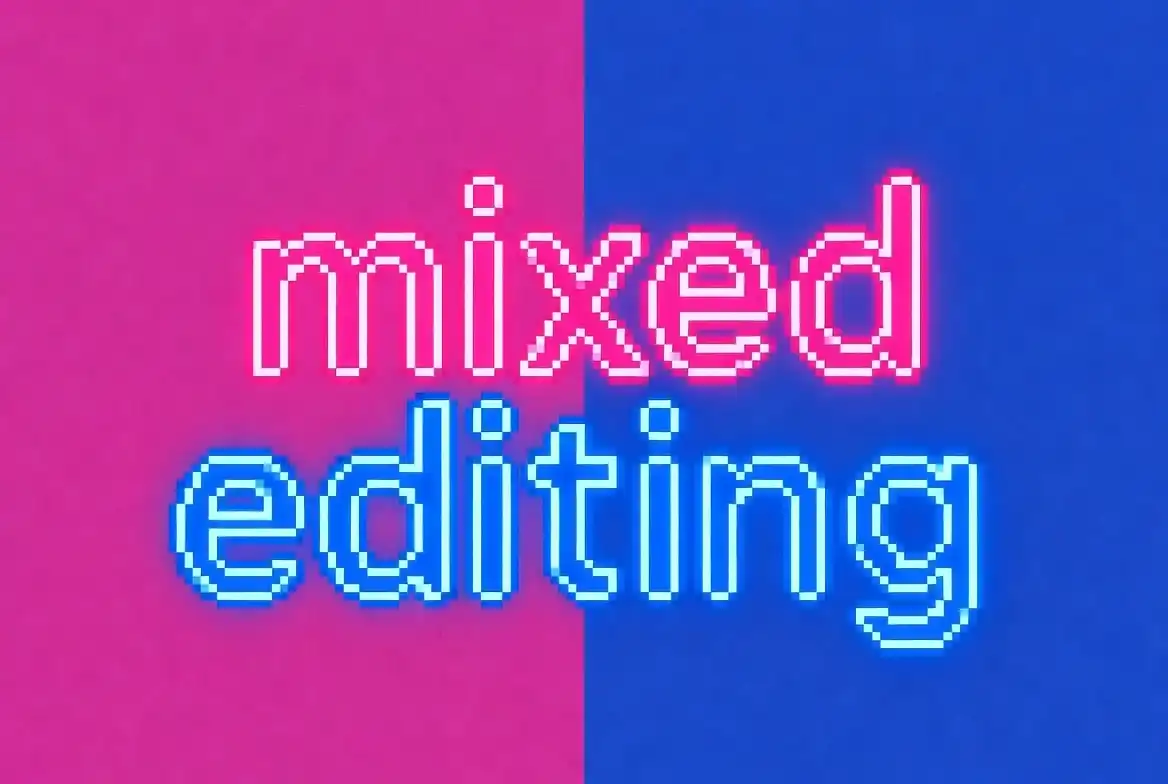
혼합 편집
프롬프트 모범 사례 (Best Practices)
1. 구조화된 프롬프트
순서대로 조직: 배경/장면 → 주체 → 핵심 세부 사항 → 제약/배제 사항.
2. 정밀 편집
유지할 내용을 명시. "단지 ~만 변경" 구문 사용.
3. 텍스트 처리
텍스트를 따옴표로 감싸고 폰트와 색상을 지정.
4. 품질 트레이드오프
필요에 따라 품질 매개변수 선택.
가격 및 가용성
ChatGPT 사용자용
- 모든 사용자(무료 포함) 즉시 사용 가능
- 새로운 "Images" 사이드바 UI
- 웹 및 모바일 지원
API 개발자용
- 모델명: gpt-image-1.5
- 이전 세대 대비 가격 20% 인하
- Tier 5는 최대 250 IPM 지원