Tip: Yellow highlighted parts [ ] need customization
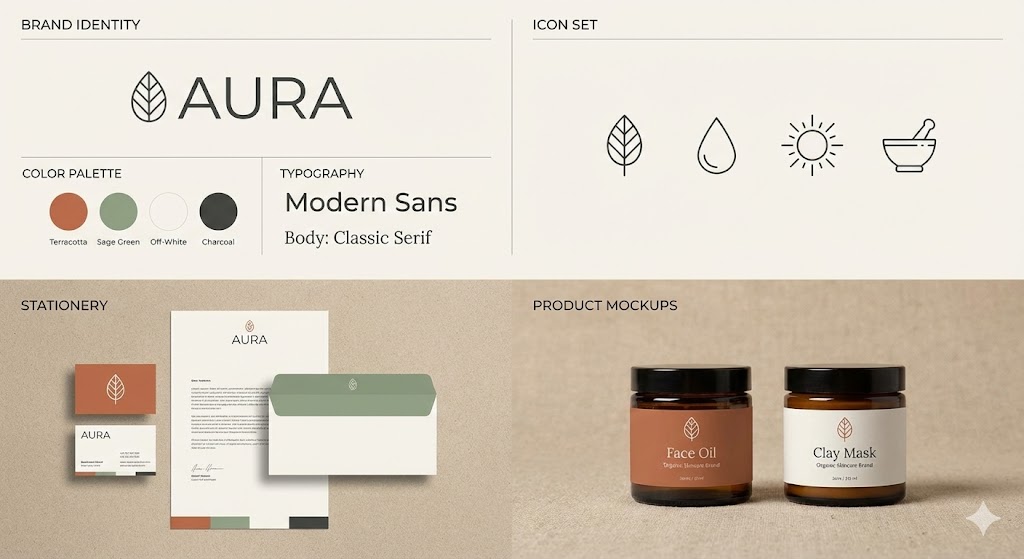
Brand Kit#Constraint#Rule
Logo Negative Constraints
Additional instructions to prevent Logo distortion or padding errors.
Prompt (English)
--no distorted curves, minimum padding = 50% logo height.
Tip: Yellow highlighted parts [ ] need customization
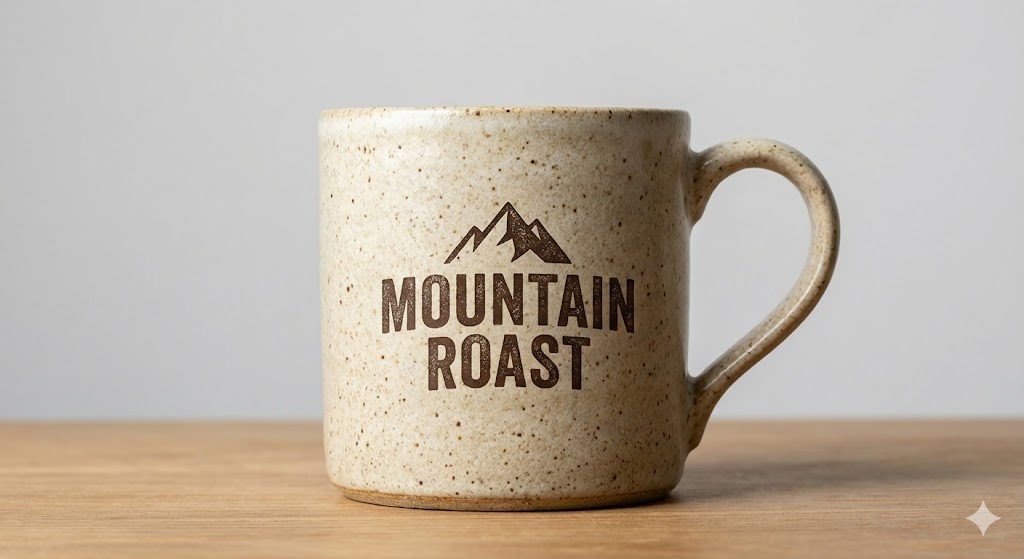
Product Mockup#Mockup#Print#Display
Realistic Product Mockup
Apply Logo to real objects, simulating printing effects.
Prompt (English)
[Object Description], [Material Description], [Lighting Description], brand logo printed in [Printing Technique], studio lighting, front view.
Tip: Yellow highlighted parts [ ] need customization
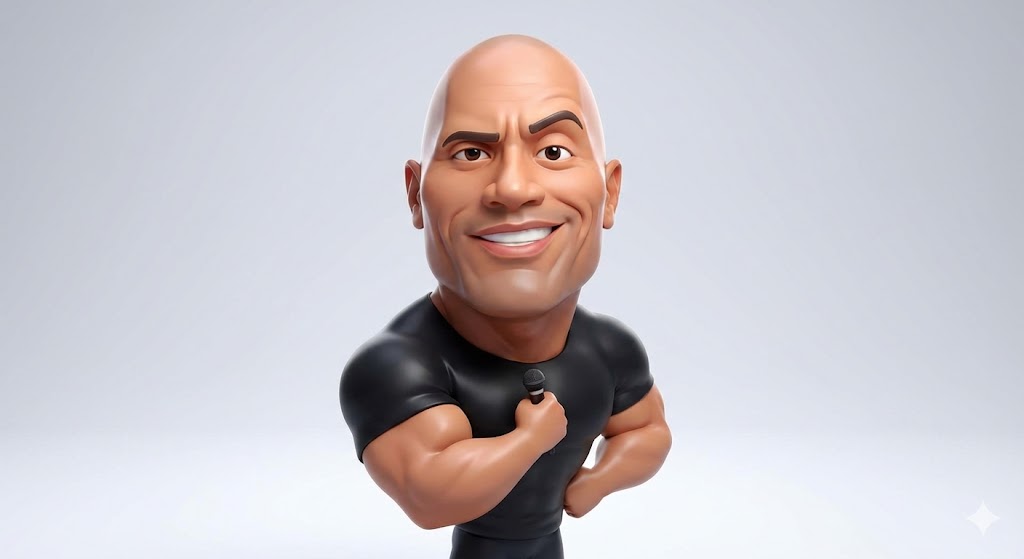
Character Style#Avatar#3D#IP
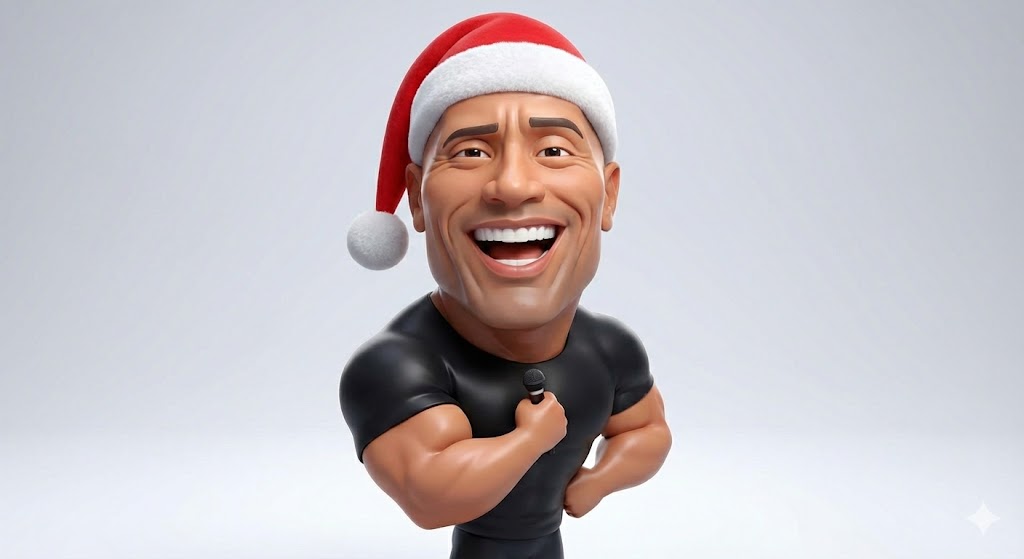
3D Stylized Caricature
Exaggerated but textured 3D characters, suitable for avatars or IP design.
Prompt (English)
Highly stylized 3D caricature of [Person/Character], oversized head, expressive facial features, fun exaggeration. Rendered in a smooth, polished style, clean materials and soft ambient lighting. Minimalist background.
Tip: Yellow highlighted parts [ ] need customization
Character Style#Consistency#Outfit Change
Character Identity Lock
Keep character appearance consistent, change actions or scenes.
Prompt (English)
Keep the character's facial features exactly the same as Image 1. Change the character's expression to [Expression], wearing [Clothing], [Camera Angle] shot.
Tip: Yellow highlighted parts [ ] need customization
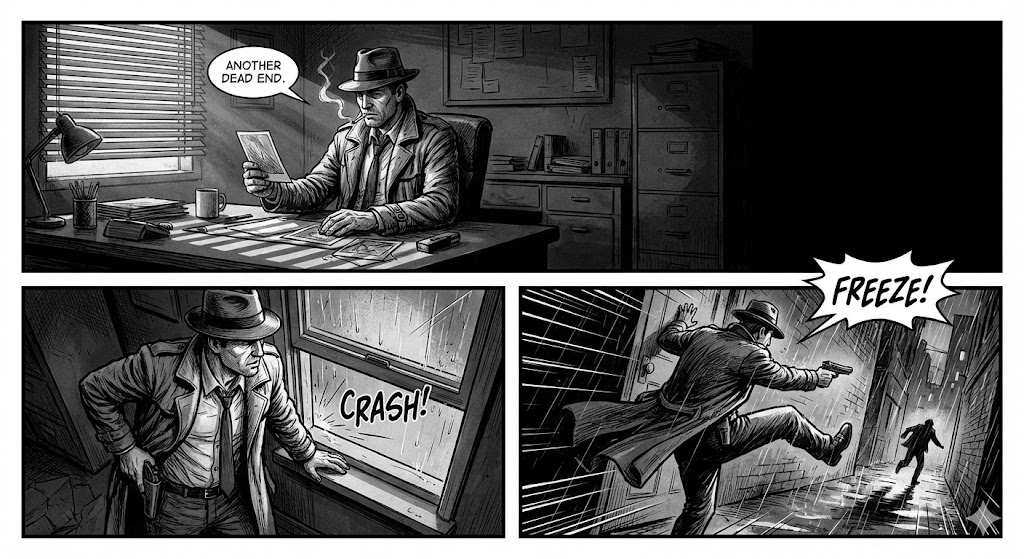
Comic strip storyboard, [Character in Scene], [Art Style], [Lighting], [Action]. Create a storyboard sequence of three consecutive frames with dynamic camera angles and consistent character design.
Tip: Yellow highlighted parts [ ] need customization
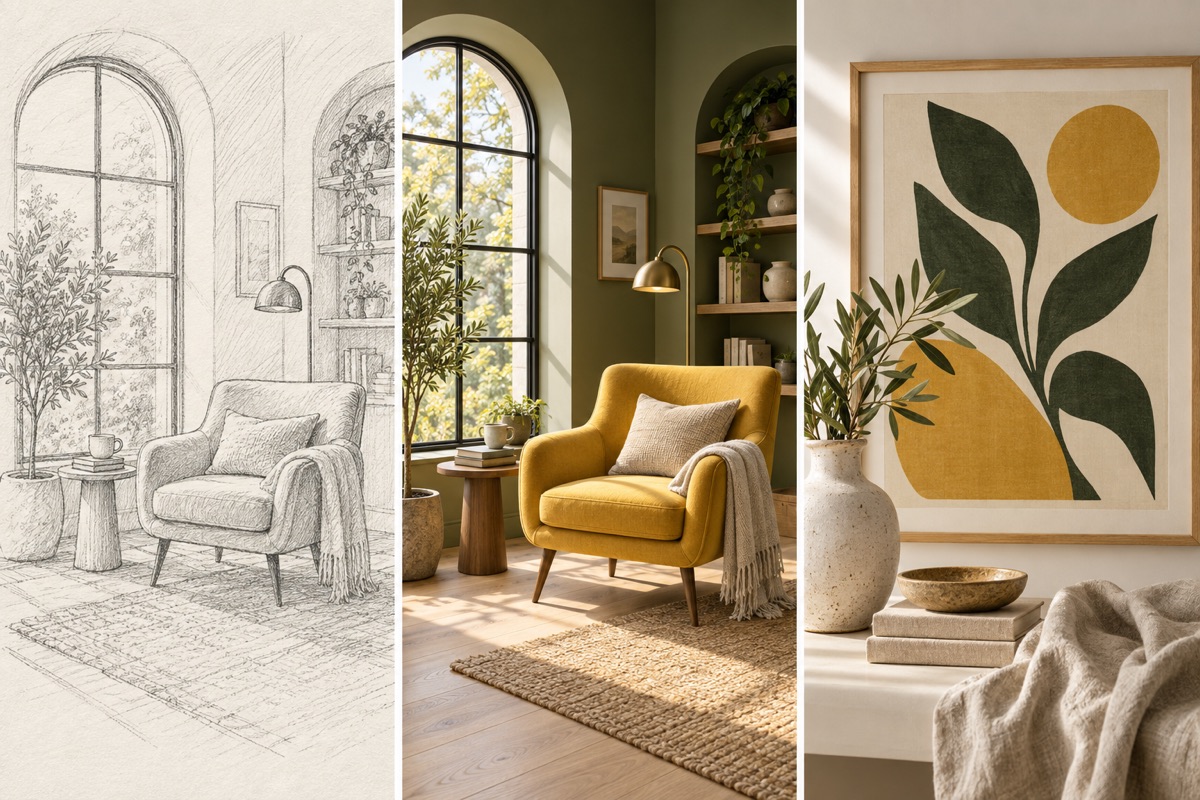
Examples of visual directions; your result depends on the image, model and instruction.
Turn a visual idea into a first draft
Use a sketch or reference to establish structure, then specify material, palette and framing. The output is an image that you can review before preparing final production files.