Combine reference images
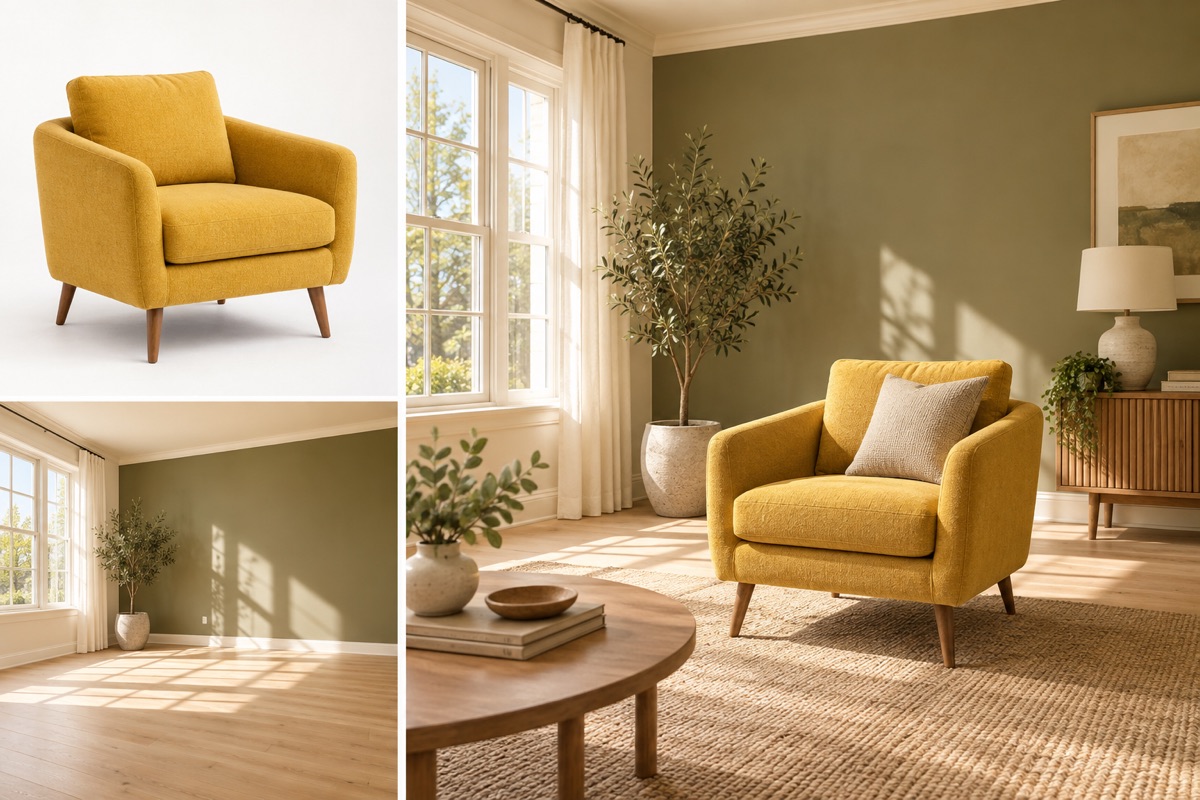
Put the subject from one photo into the setting of another.
Add 2 reference image(s) before generating.
JPG, PNG or WebP · up to 4 images · 8 MB each
Give each reference a clear role
Use the first image for the subject and the second for the environment. Ask for matching size, perspective and contact shadows so the two references form one coherent scene.
Combine reference images:How to get a useful result
Before you generate
Upload the subject as image 1 and the destination scene as image 2. State the role of each image in your instruction. Use similar camera angles where possible.
What to check in the result
Upload in the order described above. Check perspective and contact shadows, especially where feet or objects touch a surface.
A starting instruction you can edit
Place the main subject from image 1 into the setting in image 2. Preserve the subject’s distinctive details. Match scale, perspective, lighting, color temperature and contact shadows to make a single coherent photograph.
Back to the editorUsing this tool
What should I upload?
Upload the subject as image 1 and the destination scene as image 2. State the role of each image in your instruction. Use similar camera angles where possible.
What should I check before using the image?
Upload in the order described above. Check perspective and contact shadows, especially where feet or objects touch a surface. This tool generates a new image from your instructions. Review faces, labels, lettering and geometry at full size. For another attempt, change one requirement at a time.