Design a poster
Specify the headline, subject and layout in one instruction.
JPG, PNG or WebP · up to 4 images · 8 MB each
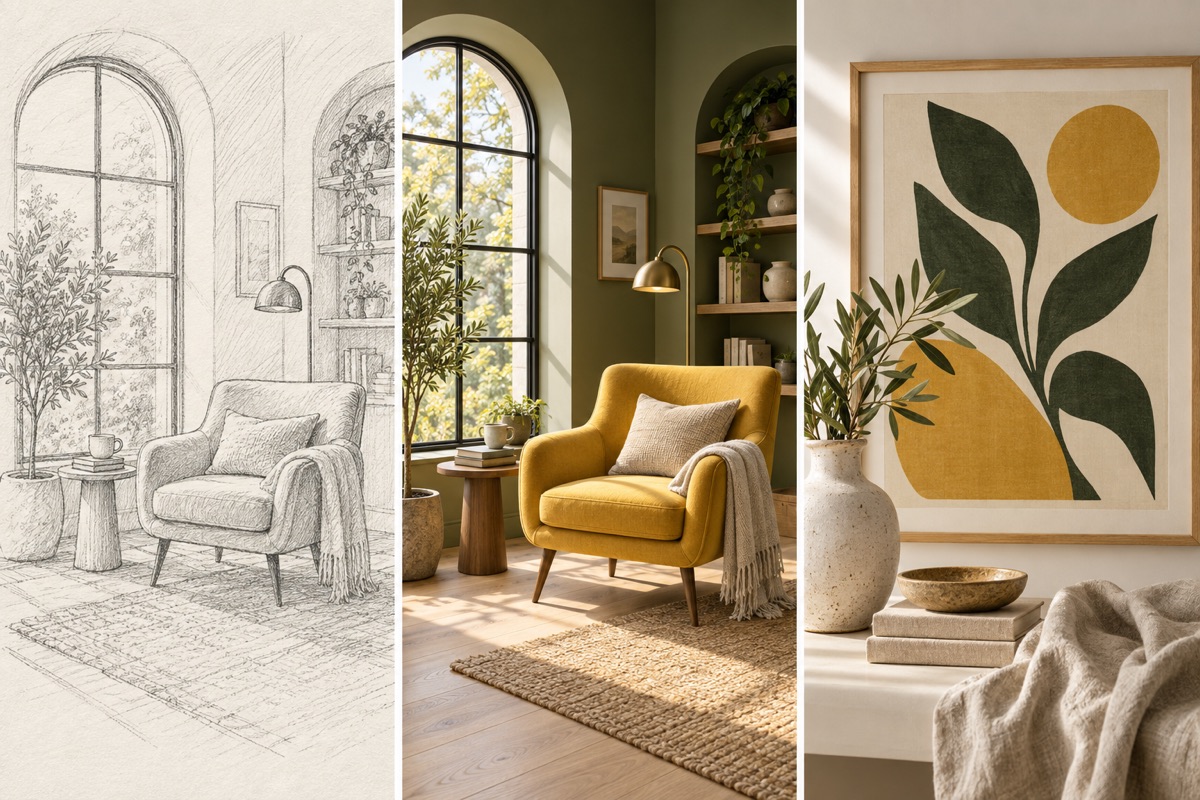
Turn a visual idea into a first draft
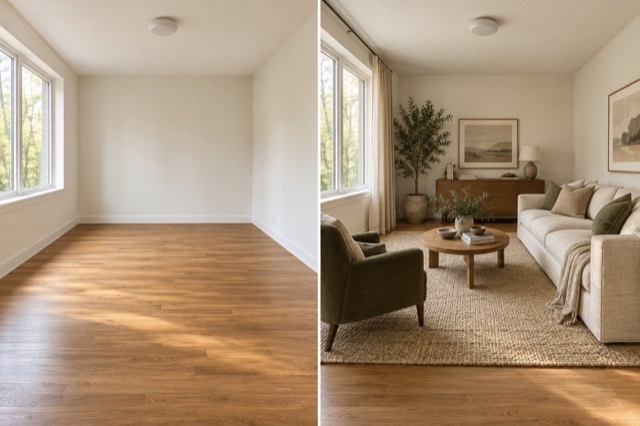
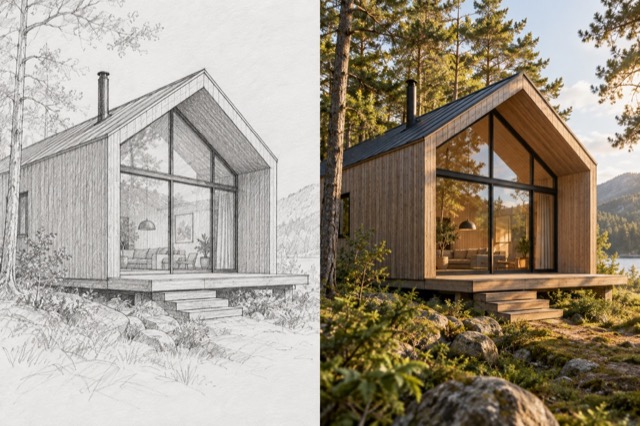
Use a sketch or reference to establish structure, then specify material, palette and framing. The output is an image that you can review before preparing final production files.
Design a poster:How to get a useful result
Before you generate
Start with a subject, the intended use and a visual style. Choose the aspect ratio for where the image will appear; references are optional.
What to check in the result
Put the exact headline in quotation marks and keep copy short. Proofread every character before publishing or printing.
A starting instruction you can edit
Design a refined botanical exhibition poster with oversized orange flower photography, a warm ivory background and dark green typography. Main headline exactly: "IN BLOOM". Small secondary line exactly: "BOTANICAL EXHIBITION". Keep a clear hierarchy and generous margins. No other text.
Back to the editorUsing this tool
What should I upload?
Start with a subject, the intended use and a visual style. Choose the aspect ratio for where the image will appear; references are optional.
What should I check before using the image?
Put the exact headline in quotation marks and keep copy short. Proofread every character before publishing or printing. This tool generates a new image from your instructions. Review faces, labels, lettering and geometry at full size. For another attempt, change one requirement at a time.