Edit text in an image
Replace a headline while retaining the surrounding design.
Add 1 reference image(s) before generating.
JPG, PNG or WebP · up to 4 images · 8 MB each
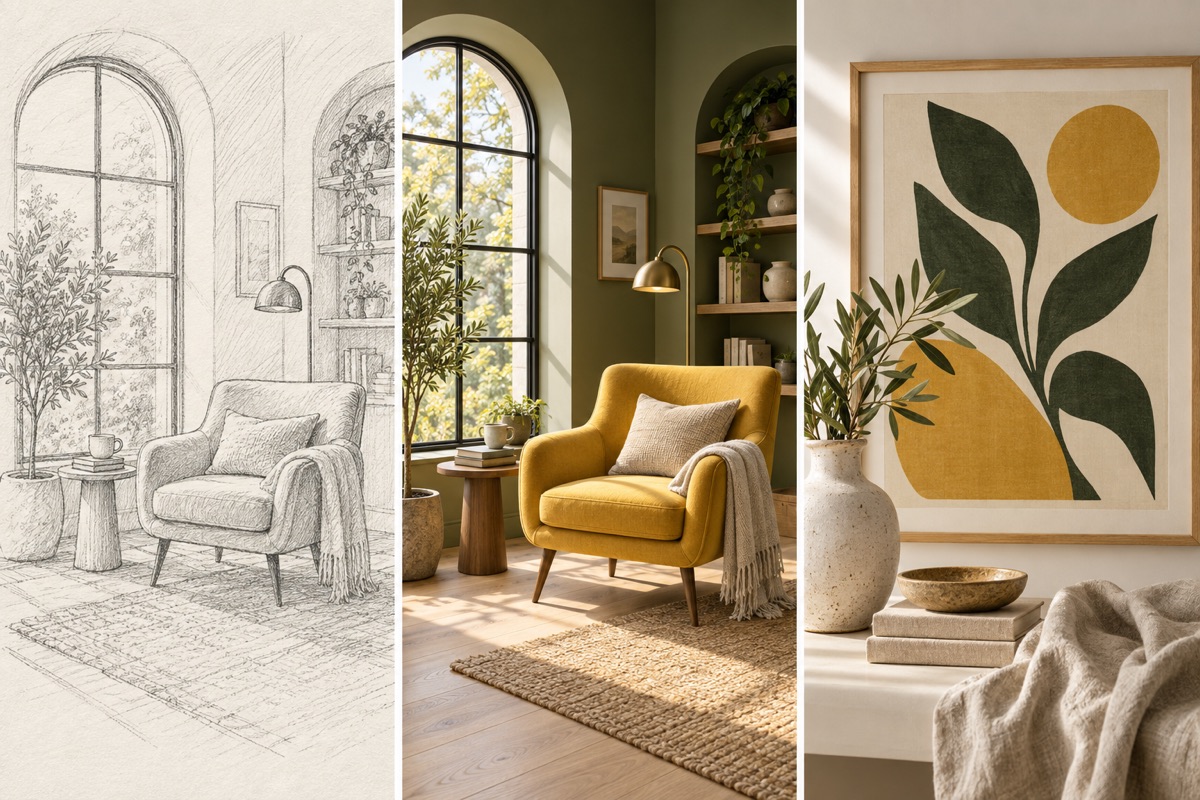
Turn a visual idea into a first draft
Use a sketch or reference to establish structure, then specify material, palette and framing. The output is an image that you can review before preparing final production files.
Edit text in an image:How to get a useful result
Before you generate
Upload a clear original with the subject fully visible. JPG, PNG and WebP are supported, up to 8 MB per image and four reference images per task.
What to check in the result
Quote both the old wording and the replacement, and identify its position. Check spelling, type style and unchanged text.
A starting instruction you can edit
Replace the main headline in the uploaded image with "IN BLOOM". Preserve all other graphics, objects, layout and background. Match the original lettering style, alignment, perspective and lighting. Do not add additional text.
Back to the editorUsing this tool
What should I upload?
Upload a clear original with the subject fully visible. JPG, PNG and WebP are supported, up to 8 MB per image and four reference images per task.
What should I check before using the image?
Quote both the old wording and the replacement, and identify its position. Check spelling, type style and unchanged text. This tool generates a new image from your instructions. Review faces, labels, lettering and geometry at full size. For another attempt, change one requirement at a time.